color palette
preview
readme
⛱ Aamis Theme for Omarchy
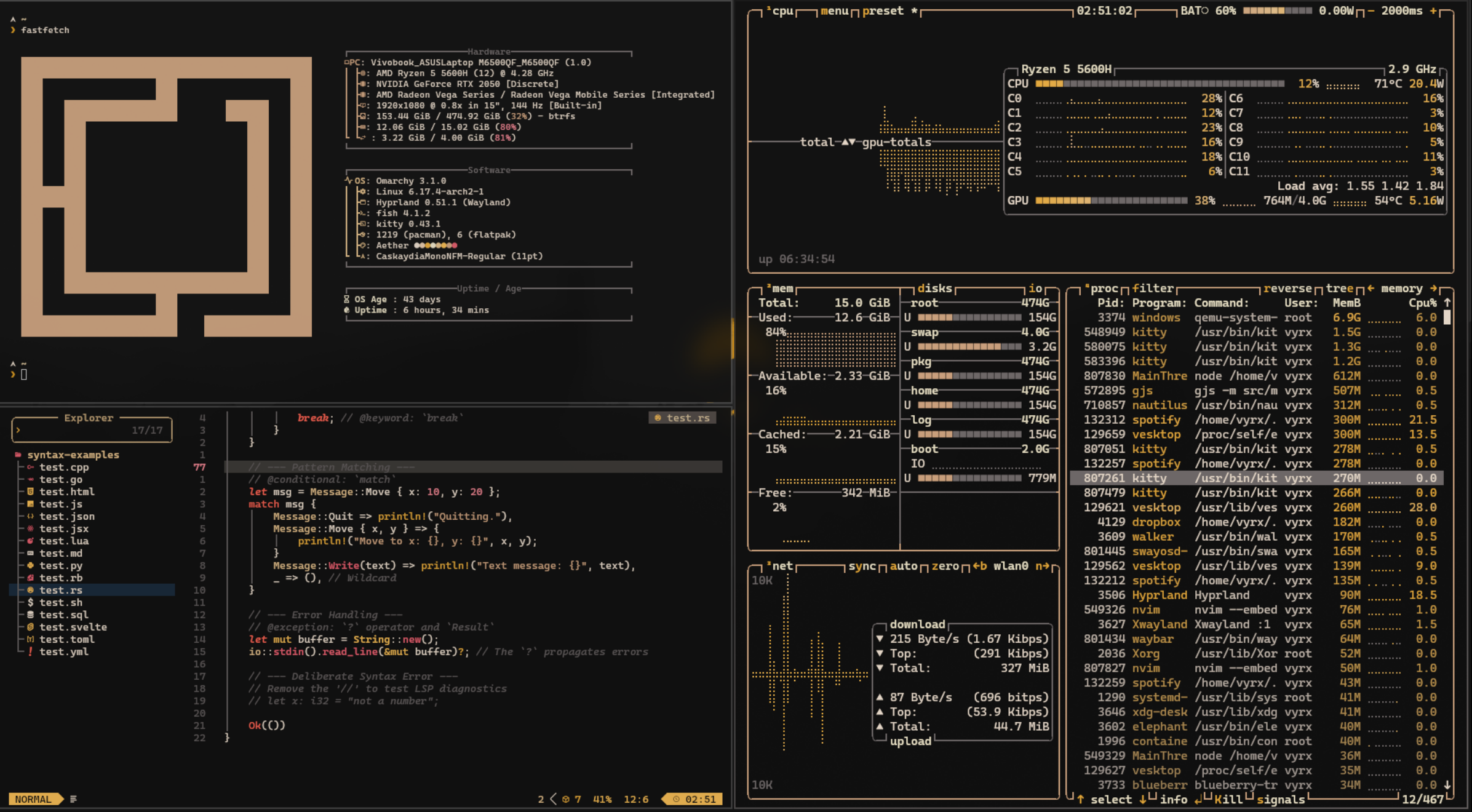
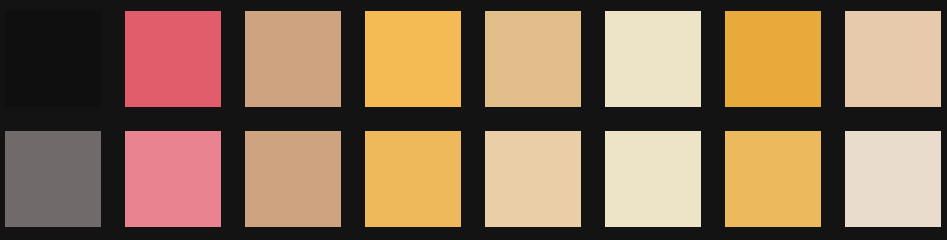
A thoughtfully crafted theme for Omarchy. Near‑black canvas, creamy text, warm amber highlights, and a single red accent for clear, focused contrast.
"Aamis — Code in the spotlight.."
Preview
| Lazygit | BTOP | Nvim |
|---|---|---|
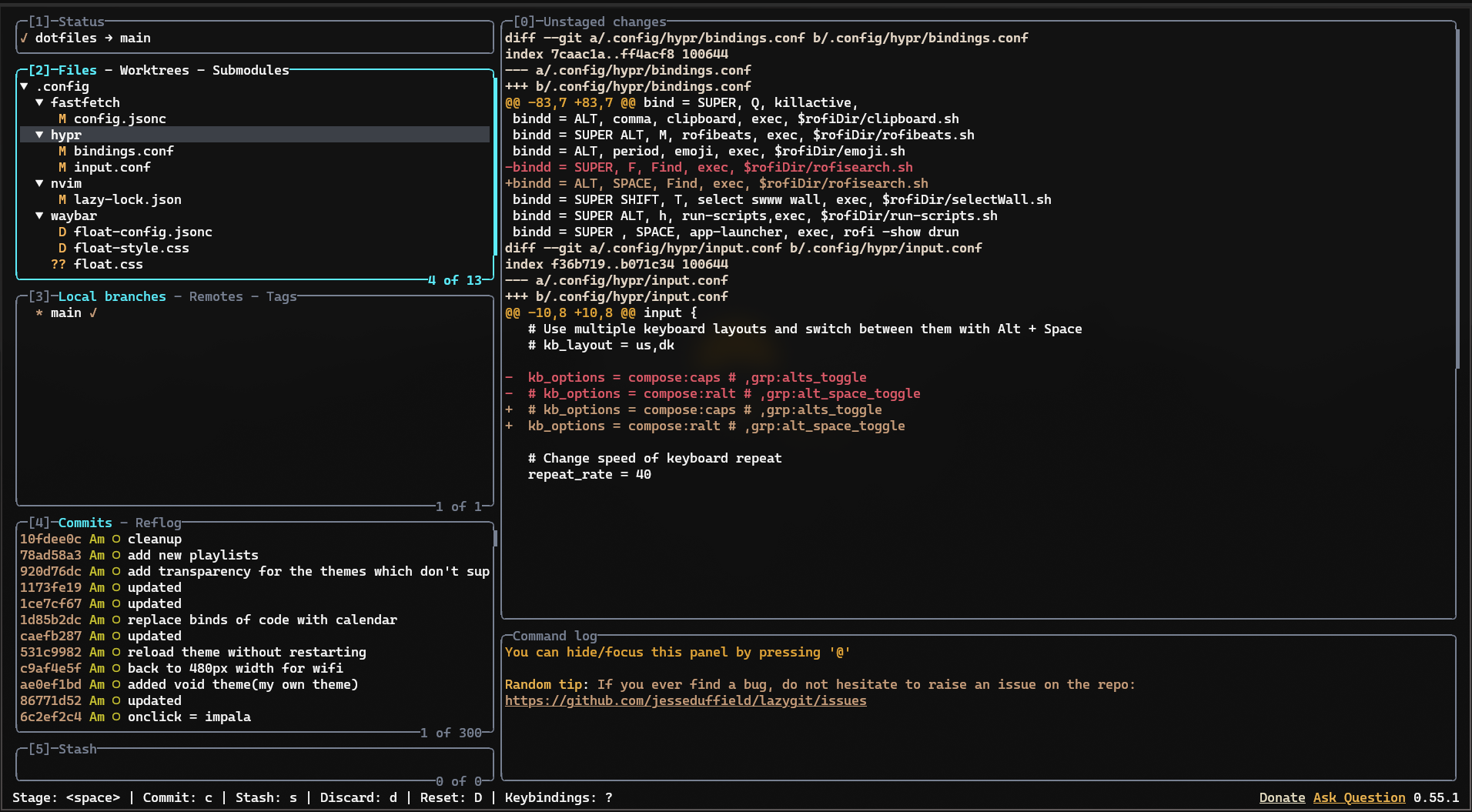 | 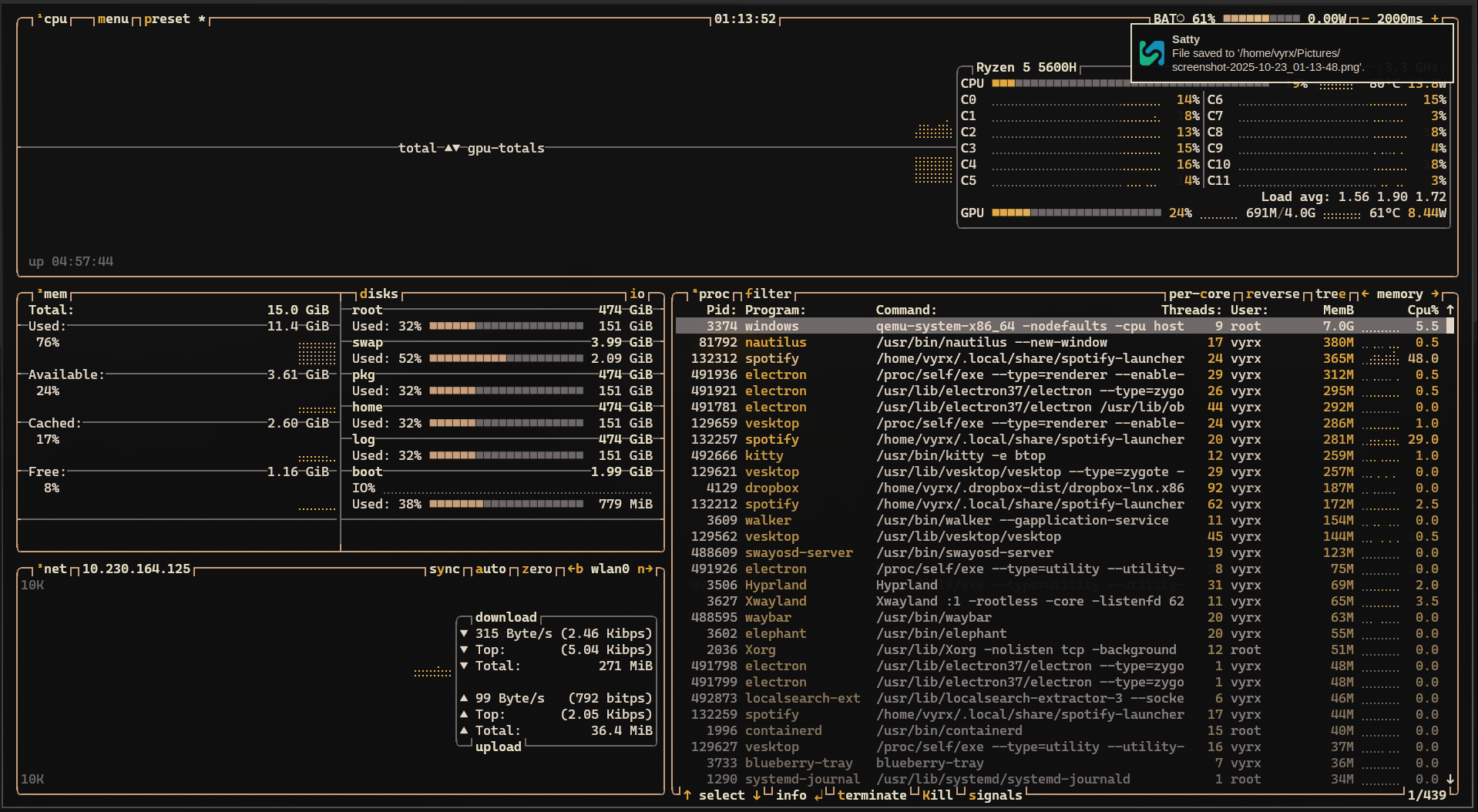 | 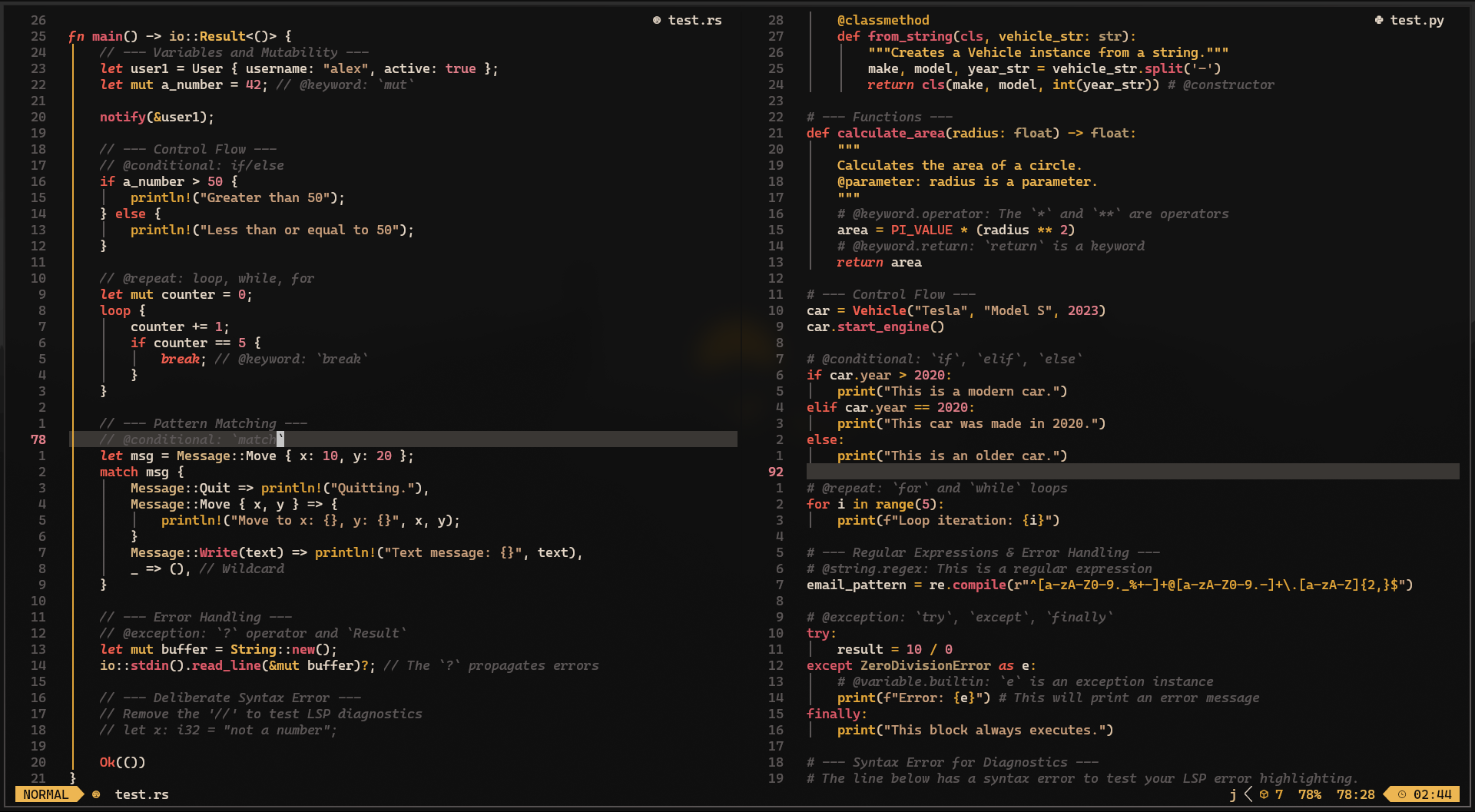 |
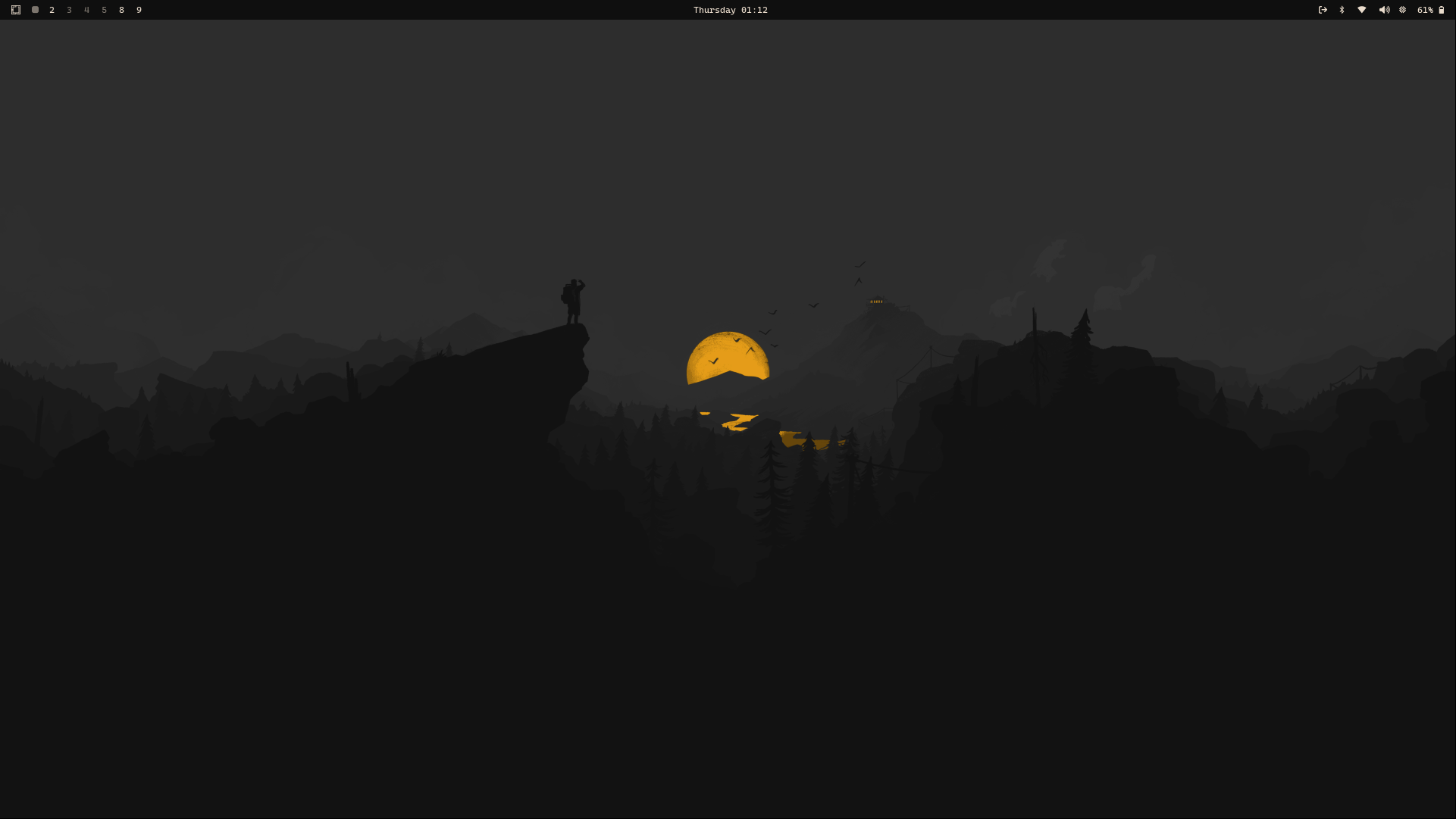
Color Palette
Installation
omarchy-theme-install https://github.com/vyrx-dev/omarchy-aamis-theme.git
Vesktop-Theme
For Vesktop users, you can install this theme by copying the theme file to your Vesktop themes directory:
cd ~/.config/omarchy/themes/aamis/

cp vencord.theme.css ~/.config/vesktop/themes/Aamis.theme.css
Vicinae Theme
To use Aamis in Vicinae without touching existing themes:
# Create directories if they don't exist (safe if they already do)
mkdir -p ~/.local/share/vicinae/themes/icons

cp vicinae.toml ~/.local/share/vicinae/themes/aamis.toml
cp assets/icons/aamis-icon-transparent-bg.png \
  ~/.local/share/vicinae/themes/icons/aamis-theme-icon.png
Typora Theme
In Typora simply set the Theme in the Themes option
cp aamis.css ~/.config/Typora/aamis.css
Acknowledgments
This theme was created using Aether by @bjarneo.
The Vicinae theme and logo were provided by @lukapmoran.
The Typora theme was contributed by @pymmog.
The VS Code theme was contributed by @fedesapuppo.