color palette
preview
readme
Akane Theme
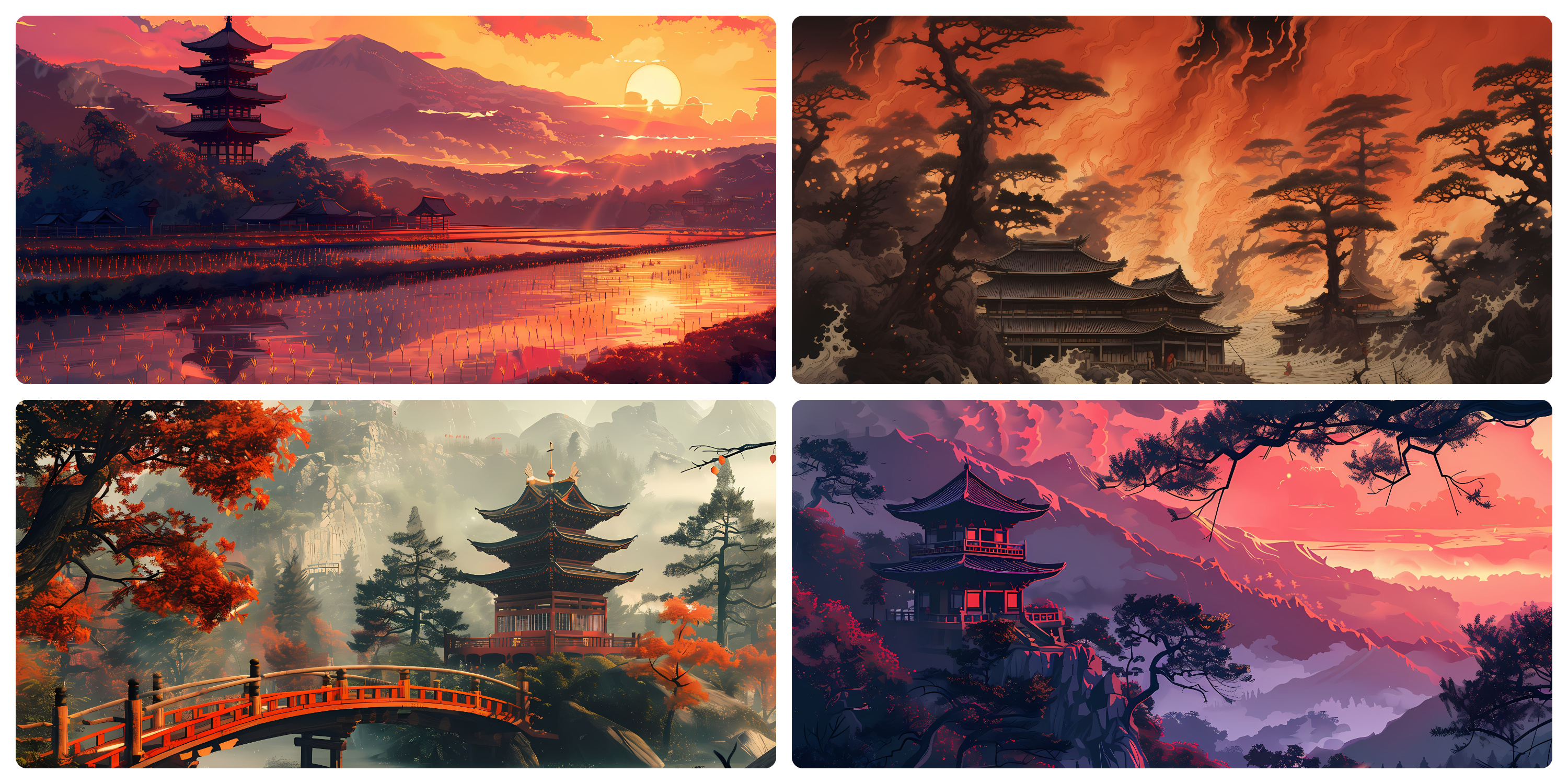
Akane (茜) — meaning "madder red" — captures the serene intensity of a world painted in shades of crimson and shadow. Inspired by traditional Japanese aesthetics, this artwork blends calm and chaos: a tranquil temple hidden within fiery autumn woods, under the watchful glow of a red sun. It embodies the balance between stillness and motion, silence and passion — a reflection of nature's quiet strength and timeless beauty.
Color Palette
- oxford-blue (
#0E1E36) - Deep blue background - peach (
#F4B999) - Warm foreground text - african-violet (
#9279AA) - Keywords & highlights - english-violet (
#574F72) - UI elements - old-rose (
#BE6F76) - Types & properties - coral-pink (
#FA7E75) - Numbers & accents - amaranth (
#D2495B) - Errors - dark-purple (
#4A2036) - Subtle backgrounds
Installation
Visual Studio Code
- Copy the extension to your VSCode extensions folder:
# Linux/macOS cp -r vscode-extension ~/.vscode/extensions/akane-theme - Restart VSCode
- Press
Ctrl+K Ctrl+Tand select "Akane"
Zed Editor Support
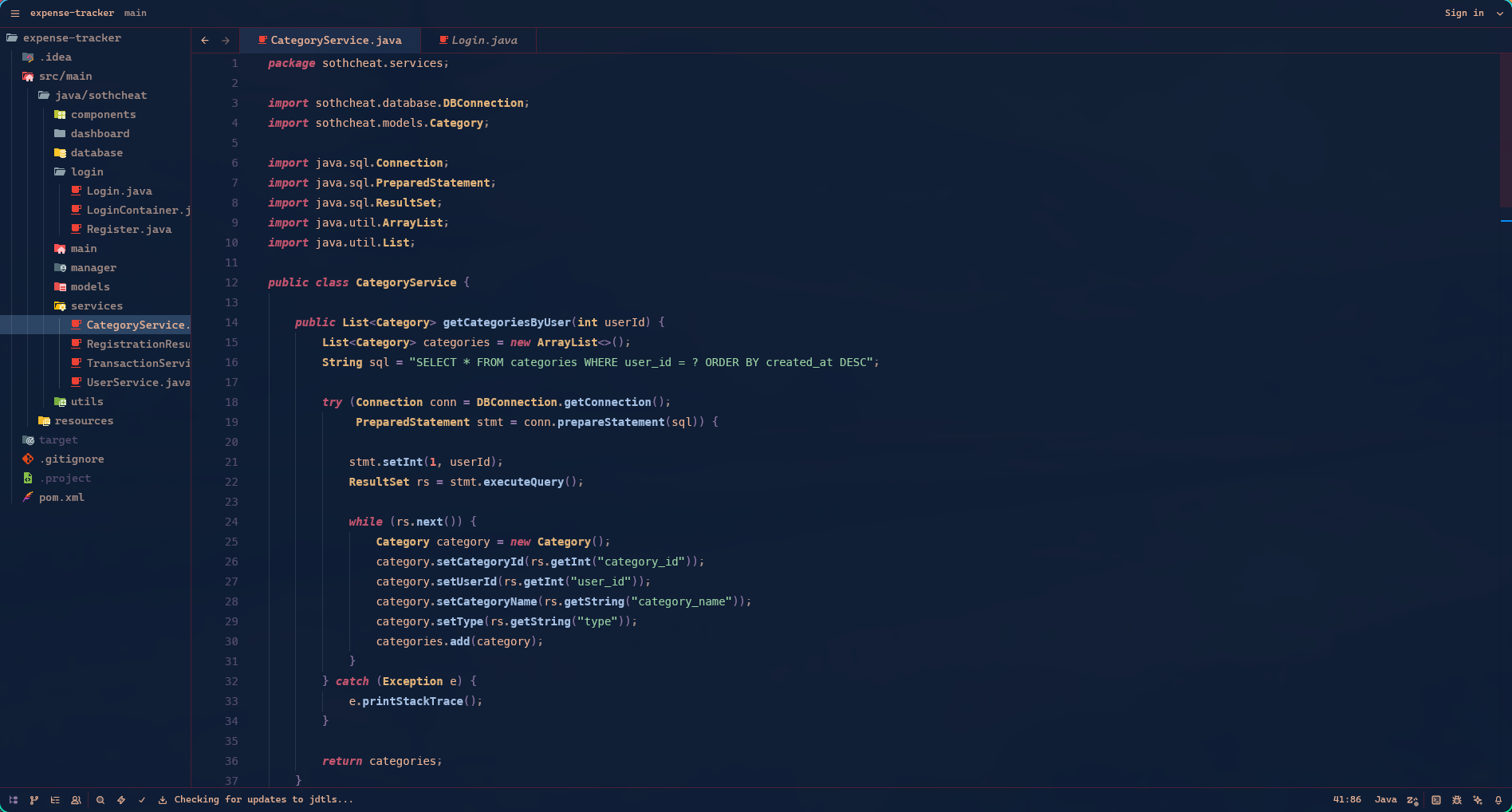
This theme includes support for Zed editor.
Prerequisites: Ensure the Omarchy Akane theme is installed at ~/.config/omarchy/themes/akane/ first.
- After installing the Omarchy theme, run:
bash ~/.config/omarchy/themes/akane/scripts/zed.sh
- Restart Zed Editor
- Press
Ctrl+K Ctrl+Tand select "Akane"
Preview of the Theme
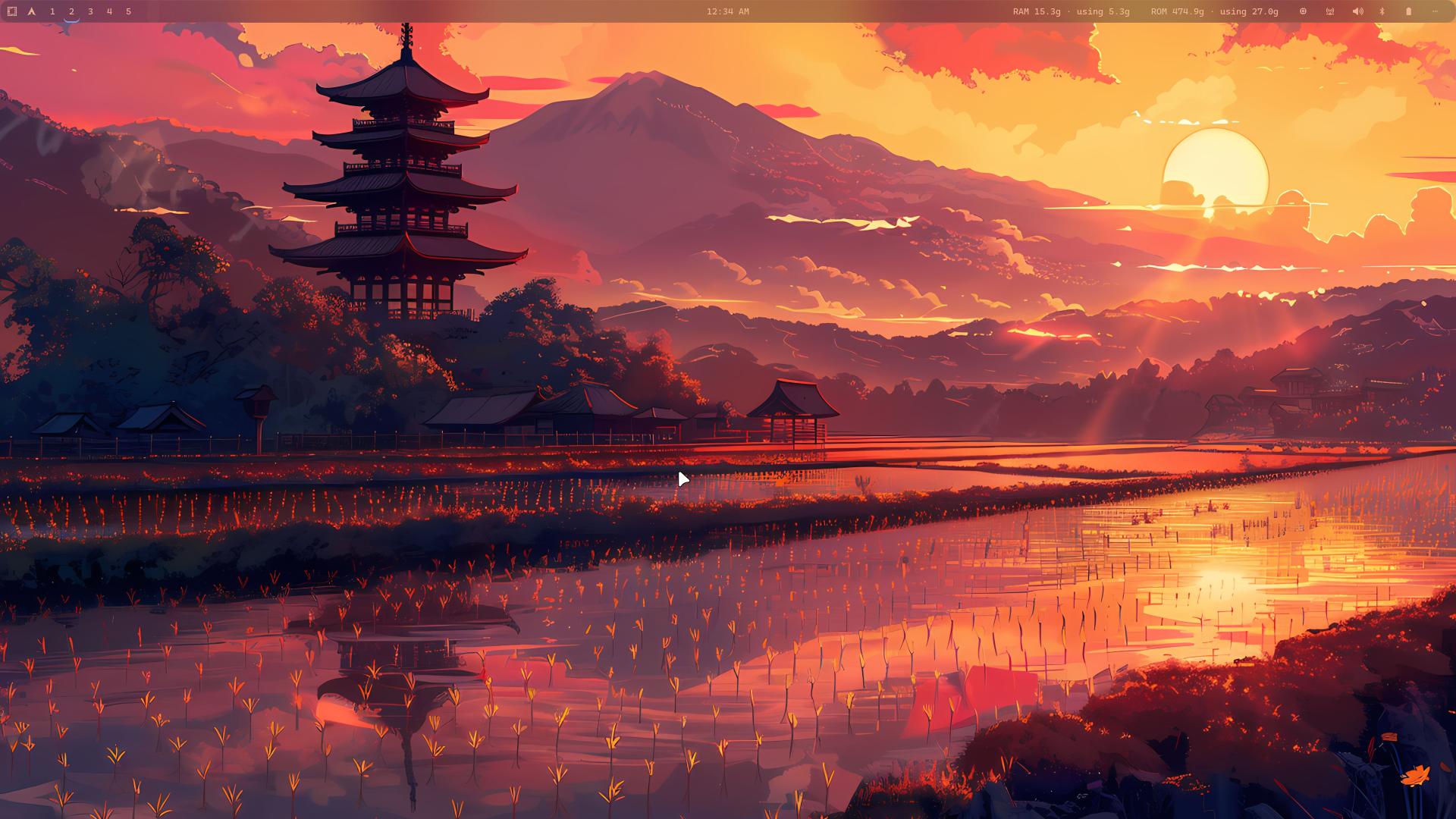
1: Main
Akane theme offers 4 backgrounds.
2: Others
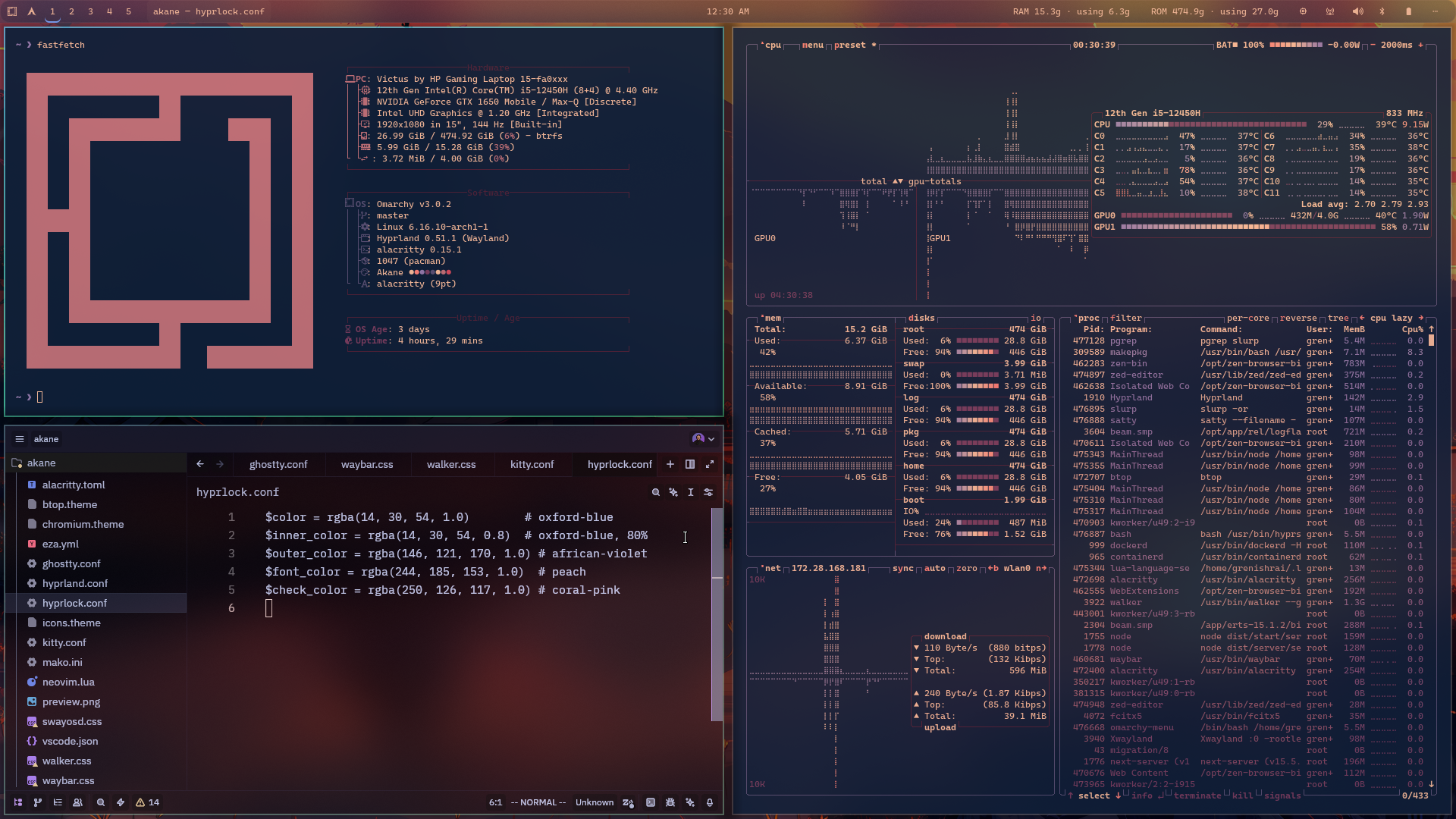
3: VS Code
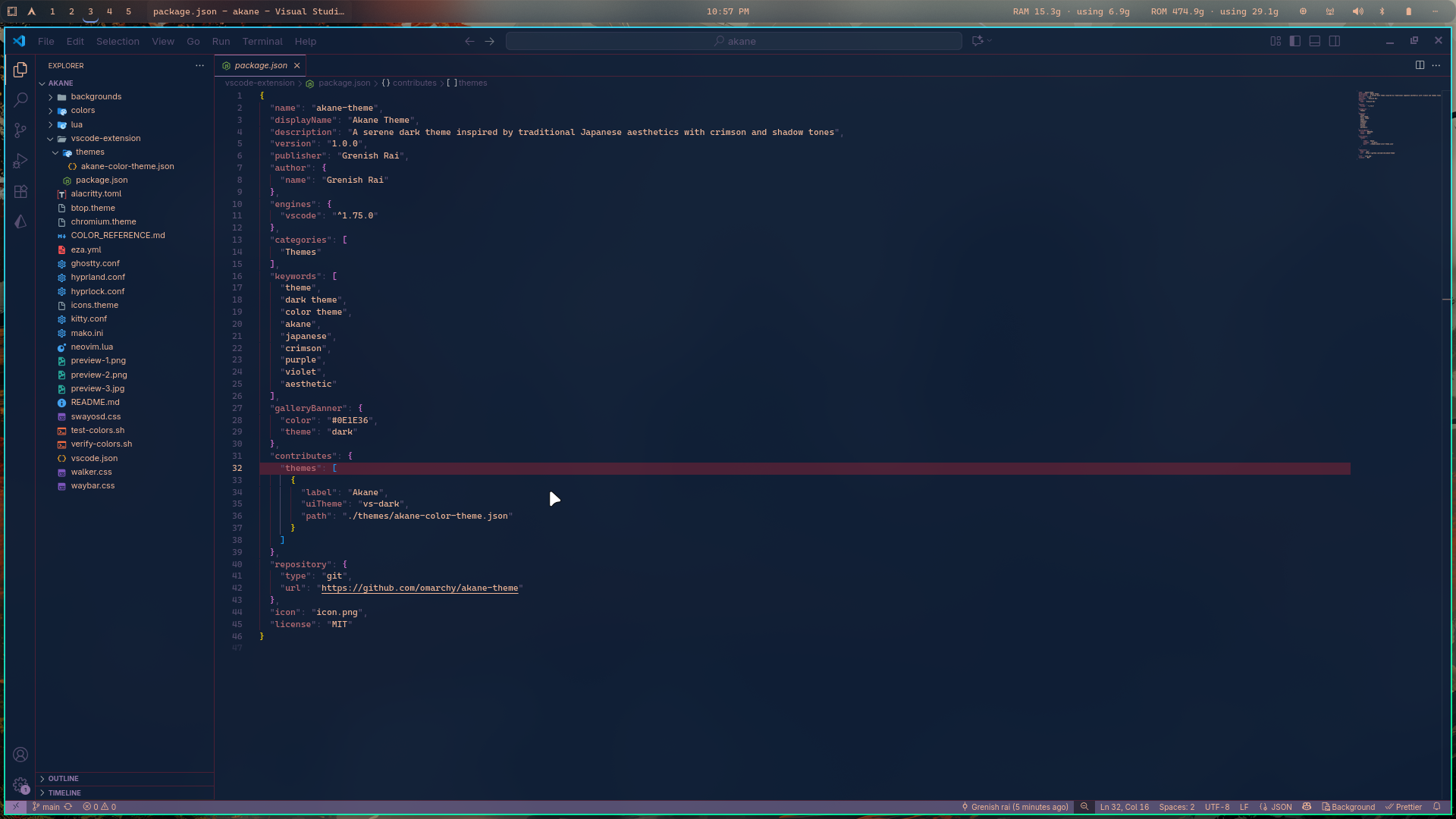
4: Zed Editor
Color Consistency
All configurations now use the same standardized color palette. See COLOR_REFERENCE.md for detailed color mappings across all applications.
The theme works consistently across:
- ✅ Neovim/LazyVim
- ✅ Ghostty Terminal
- ✅ Kitty Terminal
- ✅ Alacritty Terminal
- ✅ Visual Studio Code
- ✅ Zed Editor
Documentation
- COLOR_REFERENCE.md - Complete color palette documentation
- test-colors.sh - Terminal color verification script
Thanks
If you like the theme, consider starring the repo or help in fixing the bug... :)