color palette
background
#041419
foreground
#fdf9fb
accent
#9ca0b9
cursor
#fdf9fb
color0
#041419
color1
#a78181
color2
#8ba7ad
color3
#BCA961
color4
#9ca0b9
color5
#c2a3bf
color6
#a8d3e9
color7
#DFBBCE
color8
#458195
color9
#ceb6b6
color10
#c0d0d4
color11
#dace9f
color12
#d1d3e0
color13
#e7dae6
color14
#d9edf7
color15
#fdf9fb
preview
~/astrochy
┌──────────────────────Hardware──────────────────────┐
PC: omarchy-host
│ ├: x86_64 (8 cores) @ 4.00 GHz
│ ├: Integrated Graphics
│ ├: 1920x1080 @ 60 Hz
│ ├: 120 / 500 GiB (24%)
│ ├: 8 / 16 GiB (50%)
└ └ : 0 / 4 GiB (0%)
└────────────────────────────────────────────────────┘
┌──────────────────────Software──────────────────────┐
OS: Omarchy 3.6.0
│ ├: master
│ ├: stable
│ ├: linux-arch
│ ├: Hyprland (Wayland)
│ ├: ghostty
│ ├: 1024 (pacman)
│ ├: Astrochy ●●●●●●●●
└ └: JetBrainsMono Nerd Font (9pt)
└────────────────────────────────────────────────────┘
┌─────────────────Age / Uptime / Update───────────────┐
OS Age: 0 days
Uptime: 2 hours, 13 mins
Update: Today
└────────────────────────────────────────────────────┘
user@omarchy:~ $
readme
Astrochy
Minimal dark theme for Omarchy
Screenshots
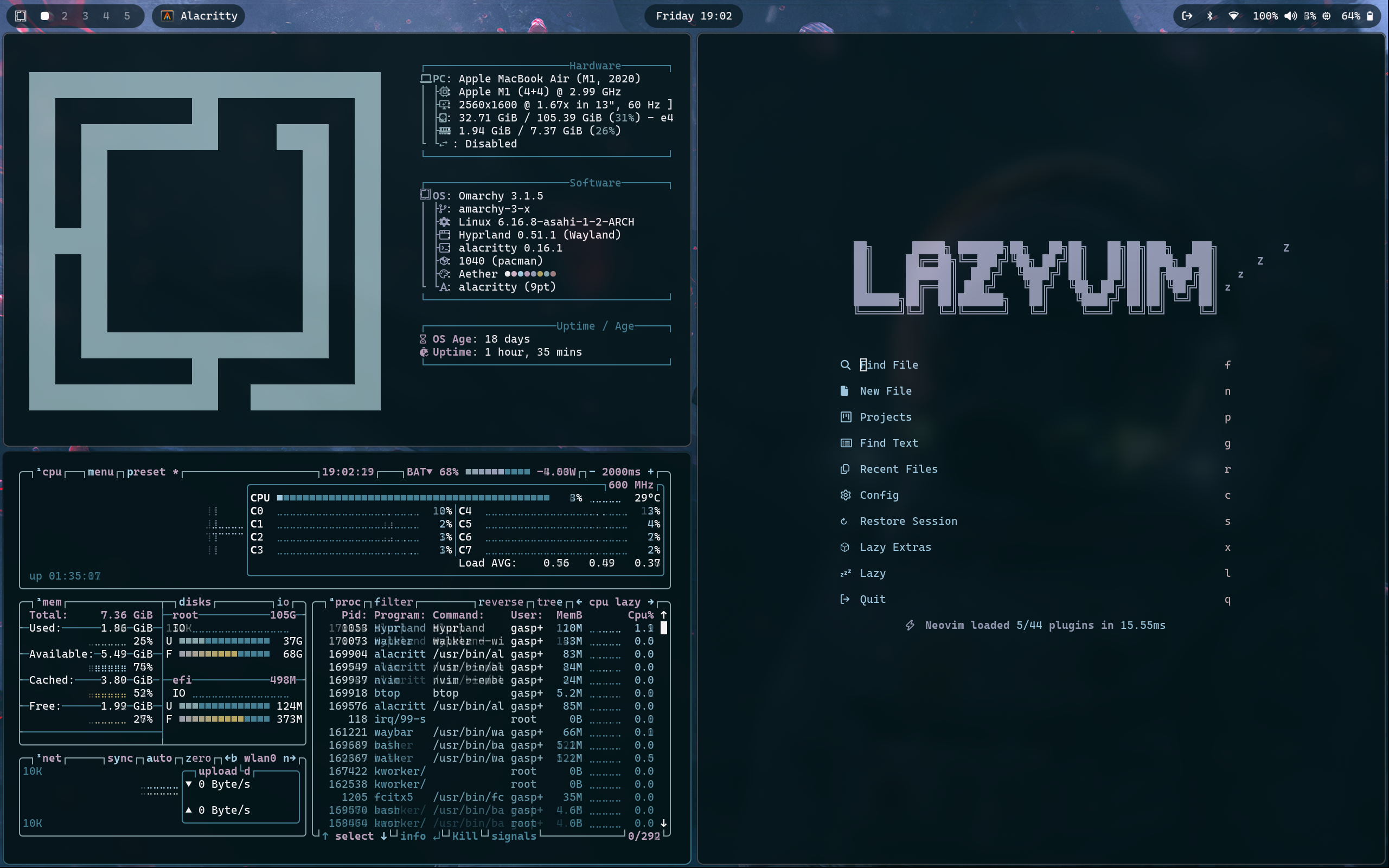
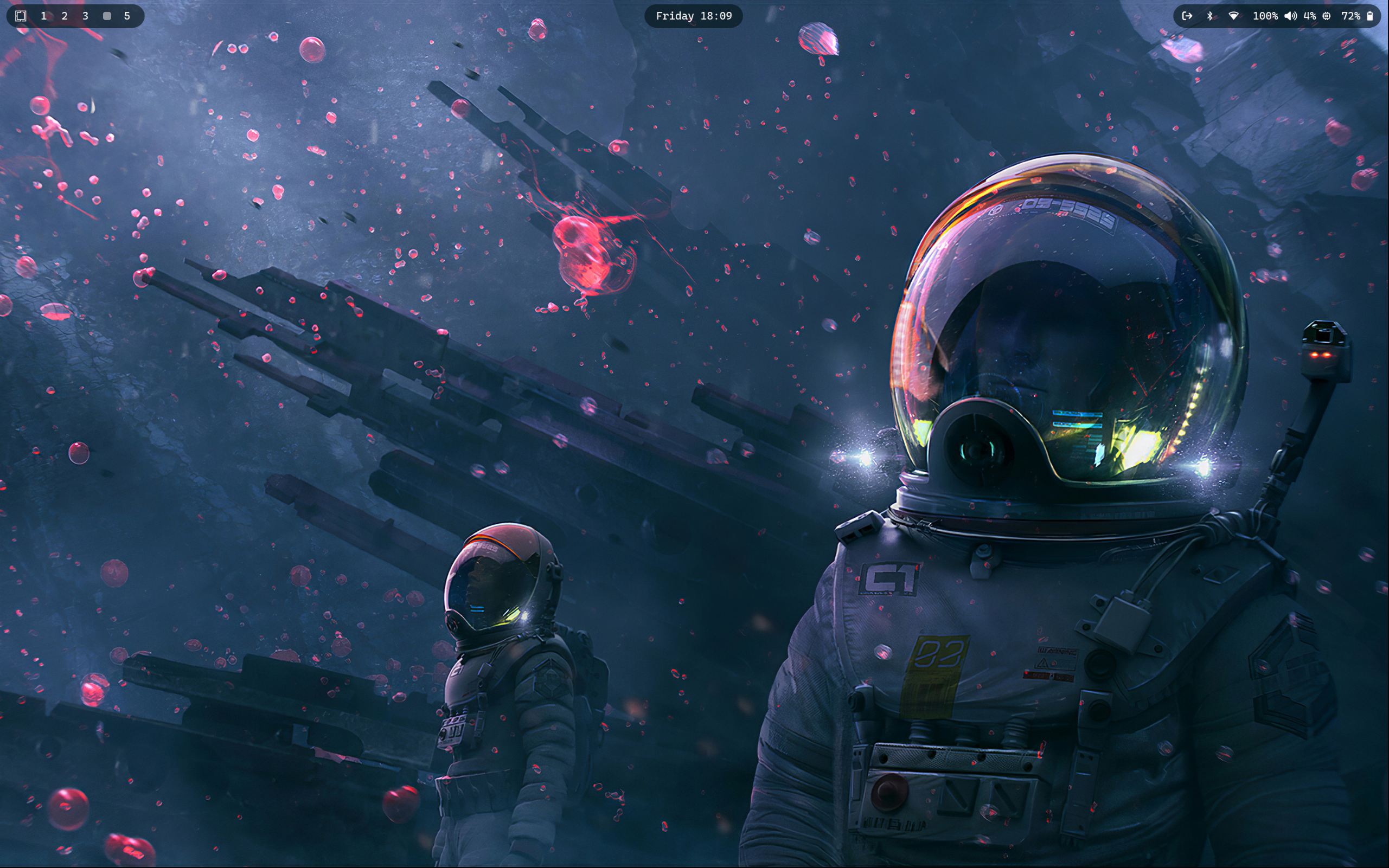
Installation
To install this script, simply run the following command
omarchy-theme-install https://github.com/Nanjiifr/omarchy-astrochy-theme.gitWaybar
If you also want my waybar configuration, simply head to this repo https://github.com/Nanjiifr/omarchy-minimal-waybar.git