color palette
#1A1D23
#9B9FA9
#5EB7FF
#9B9FA9
#26343F
#9B9FA9
#1A1D23
#FF838B
#87C05F
#DFAB25
#5EB7FF
#DD97F1
#4AC2B8
#9B9FA9
#34363A
#FFA6AE
#AAE382
#FFCE48
#81DAFF
#FFBAFF
#6DE5DB
#D0D3DE
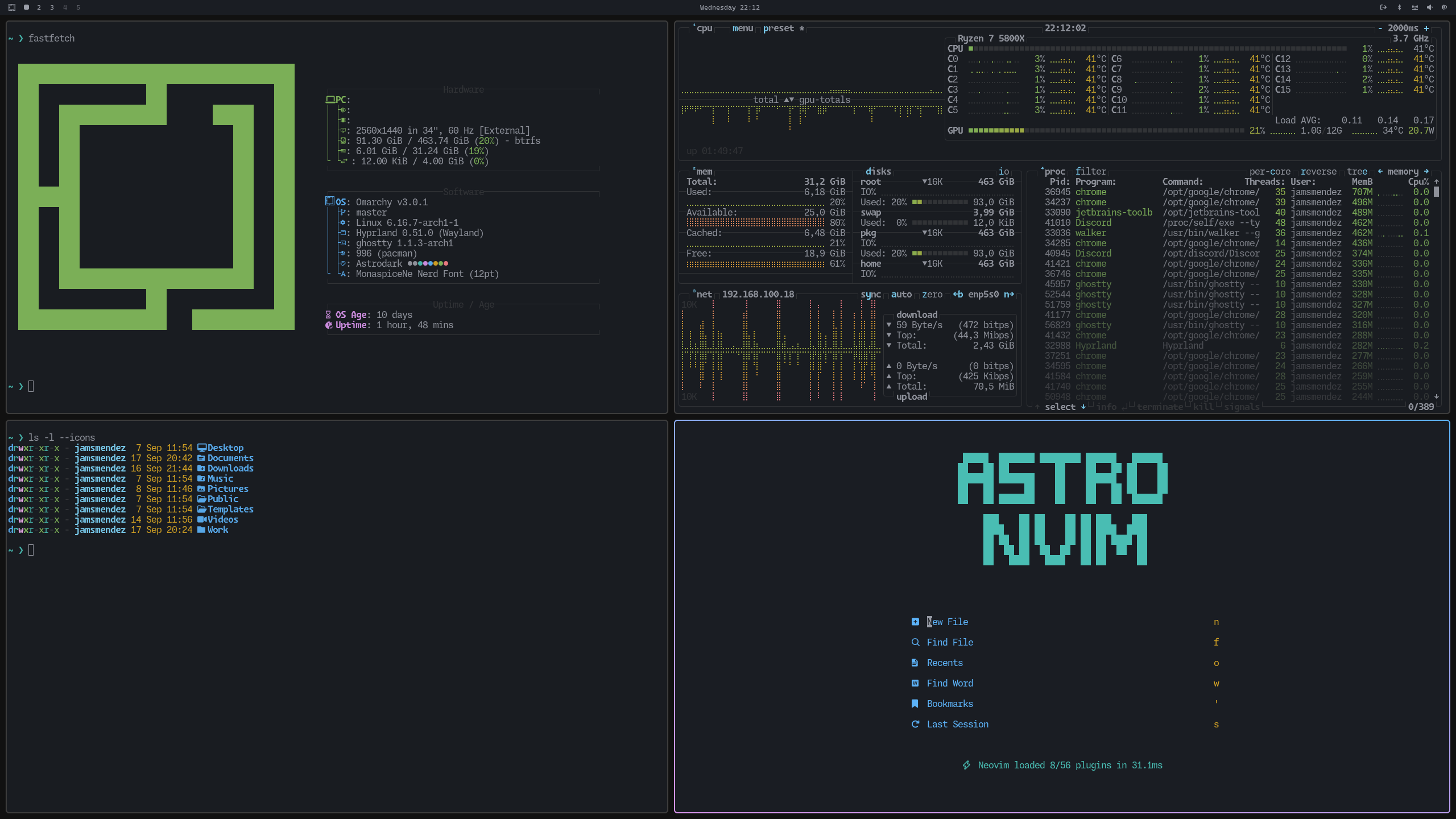
preview
readme
Astrodark Theme
Astrodark theme for Omarchy based on Astronvim themes
Requirements
Omarchy 4 or later. For Omarchy 3.x, use the v3.8.5-legacy tag:
git checkout v3.8.5-legacyInstall
omarchy theme install https://github.com/JamsMendez/omarchy-astrodark-themeNotes
Omarchy generates every app theme from colors.toml using the templates in /usr/share/omarchy/default/themed/: terminals, Hyprland, btop, Chromium, GTK, Neovim, VS Code, Helix, the keyboard backlight, the shell, and agent apps. Only the source colors, the backgrounds, the icon theme, and the previews live here.
The cursor color always follows bright_foreground; Omarchy has no separate cursor key.
Neovim
A theme installed with omarchy theme install is a git clone, and Omarchy drops every *.lua file from it because Neovim and Hyprland would execute it. Omarchy then generates Neovim colors from colors.toml through aether.nvim.
To use the original AstroNvim astrodark colorscheme instead, add it to your own Neovim config, for example ~/.config/nvim/lua/plugins/astrotheme.lua:
return {
  { "AstroNvim/astrotheme", name = "astrotheme", priority = 1000 },
  { "LazyVim/LazyVim", opts = { colorscheme = "astrodark" } },
}
Herdr
Omarchy themes the Herdr desktop app on its own, but the terminal herdr client still runs on a static config that rides on the terminal's ANSI palette, so its sidebar, panels and agent status colors never follow the active theme.
The omarchy/ directory adds that integration for the terminal client:
| File | Role |
|---|---|
omarchy/themed/herdr.toml.tpl | Maps colors.toml onto herdr's color tokens |
omarchy/hooks/theme-set.d/sync-herdr | Merges the rendered colors into the live herdr config |
Install once:
mkdir -p ~/.config/omarchy/themed ~/.config/omarchy/hooks/theme-set.d
cp omarchy/themed/herdr.toml.tpl ~/.config/omarchy/themed/
cp omarchy/hooks/theme-set.d/sync-herdr ~/.config/omarchy/hooks/theme-set.d/
chmod +x ~/.config/omarchy/hooks/theme-set.d/sync-herdr
Then switch themes (omarchy-theme-set astrodark) to apply. It works for every
Omarchy theme with a colors.toml, not just this one.
The hook rewrites only the block between its # >>> omarchy theme colors
markers, so keybindings and other herdr settings are preserved. It also comments
out the seeded [ui] accent = "blue", which would otherwise override the themed
accent. A running herdr server is retinted via herdr server reload-config; no
restart is needed.
With Glassy windows enabled (Appearance > Window Transparency), the hook keeps panel_bg = "reset" so the tab bar stays see-through like Omarchy's stock config. The hook runs on theme switches, so after toggling Glassy run omarchy-theme-set astrodark again.