color palette
#1b1d1e
#a7a8a3
#fcef0c
#4d504c
#f0e04a
#1b1d1e
#e6db43
#c8be46
#f3fd21
#737074
#737271
#615f5e
#a7a8a3
#6d6f6e
#fff68d
#fff27c
#feed6c
#909495
#9a999d
#a2a2a5
#dadad5
preview
readme
Omarchy Batman Theme
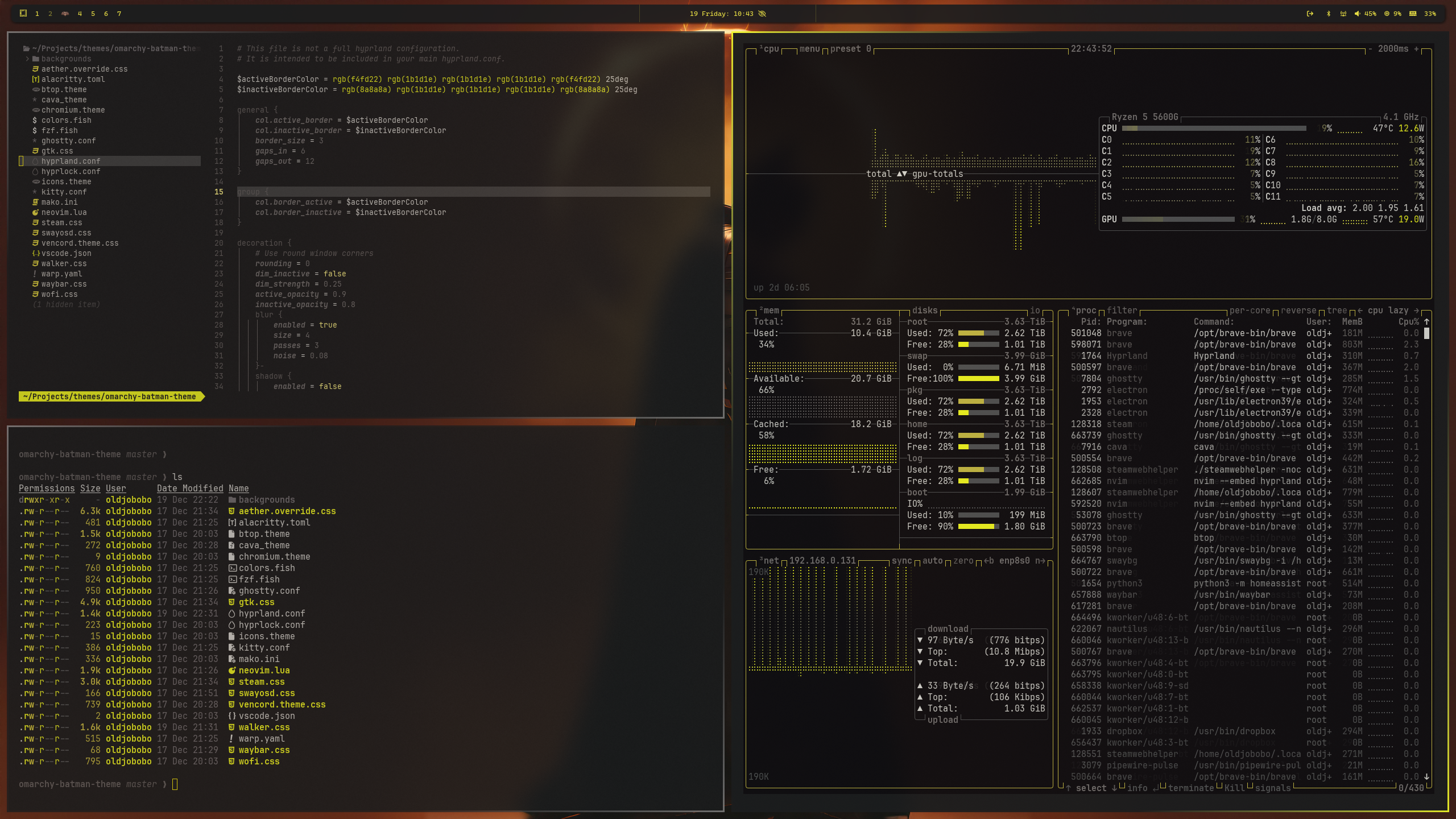
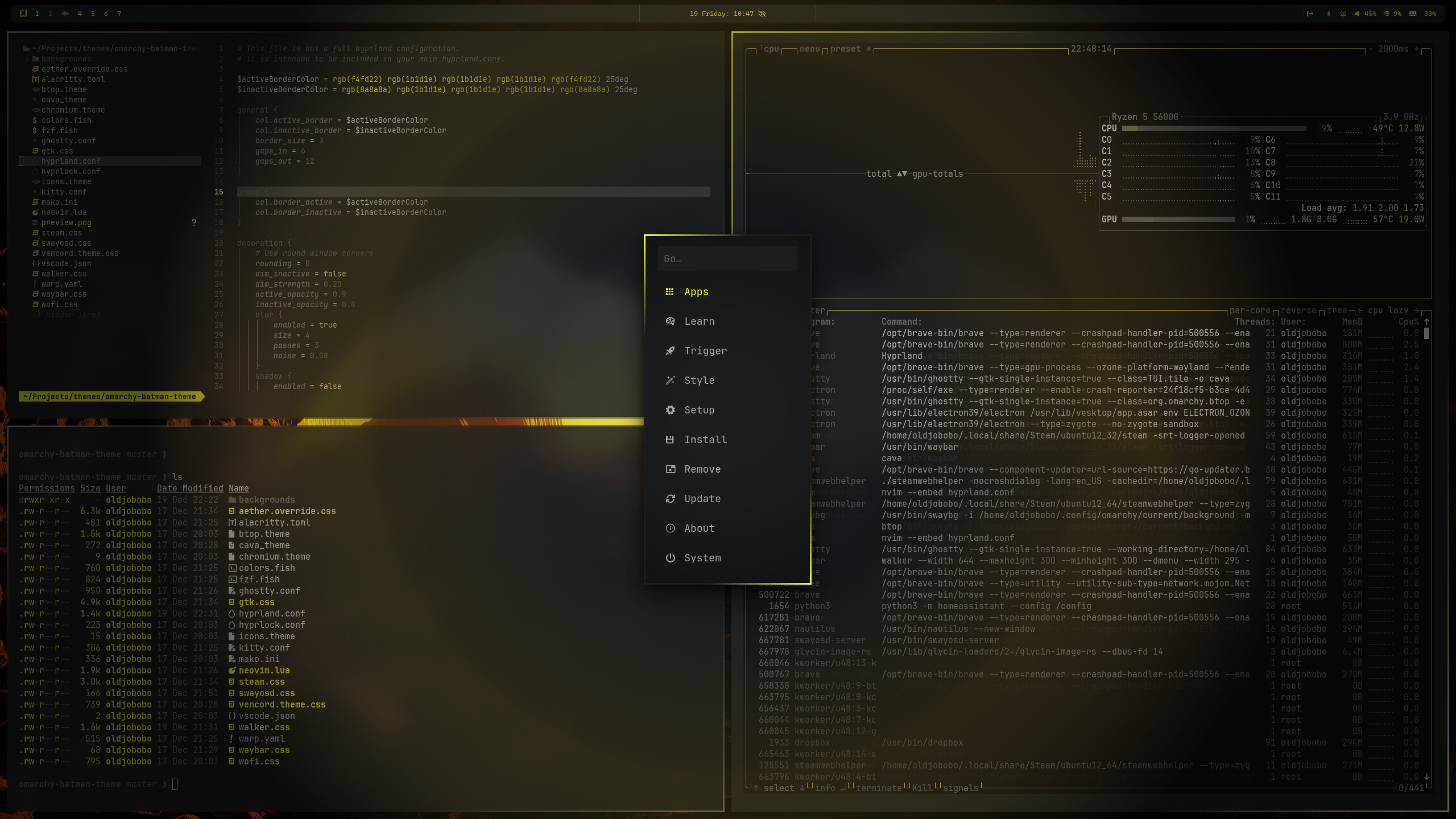
I was inspired to build this after discovering the Batman color scheme in Ghostty. It felt so unusual that I had to see what the full desktop would look like. The goal is a bold, moody look that keeps the palette disciplined and the visuals clean for long sessions.
The palette remains grounded in the original Ghostty/iTerm2 graphite-and-yellow Batman theme. batman-base24.yaml preserves the canonical Tinted Theming Base24 conversion, while colors.toml adapts its semantic ramp for Omarchy and retains the original terminal ANSI, cursor, and selection colors exactly.
What's included
- Omarchy Quattro: semantic Base24 palette (
colors.toml), native shell surfaces (shell.toml), and Lua Hyprland treatment (hyprland.lua) - Canonical palette reference (
batman-base24.yaml), sourced from Tinted Theming's Base24 Batman scheme by FredHappyface - Hyprland 3.8 compatibility: custom border colors, 3px borders, and opacity rules (
hyprland.conf) - Hyprlock compatibility palette variables (
hyprlock.conf) - Legacy Waybar colors (
waybar.css), based on https://github.com/HANCORE-linux/waybar-themes?tab=readme-ov-file by HANCORE-Linux - Terminals: Alacritty (
alacritty.toml), Foot (foot.ini), Ghostty (ghostty.conf), Kitty (kitty.conf), Warp (warp.yaml) - Shell/UI tools: btop (
btop.theme), Cava (cava_theme), fzf (fzf.fish), fish colors (colors.fish) - Notifications and helpers: Mako (
mako.ini), SwayOSD (swayosd.css), Walker launcher (walker.css), Wofi (wofi.css) - Neovim Aether colorscheme + LazyVim config (
neovim.lua), VS Code (vscode.json) - GTK + Aether overrides (
gtk.css,aether.override.css) - Browser + apps: Chromium (
chromium.theme), Steam (steam.css), Vencord (vencord.theme.css) - Icon theme pointer (
icons.theme)
Quick start
Run the installer and it will place everything where it belongs:
omarchy theme install https://github.com/OldJobobo/omarchy-batman-theme
omarchy theme set batman
Legacy Waybar install
Omarchy Quattro uses the native shell treatment in shell.toml. For older Waybar-based Omarchy installations, back up your existing Waybar config and copy the compatibility theme files:
mkdir -p ~/.config/waybar.backup
cp -a ~/.config/waybar/* ~/.config/waybar.backup/
cp -a waybar-theme/* ~/.config/waybar/
omarchy-restart-waybar
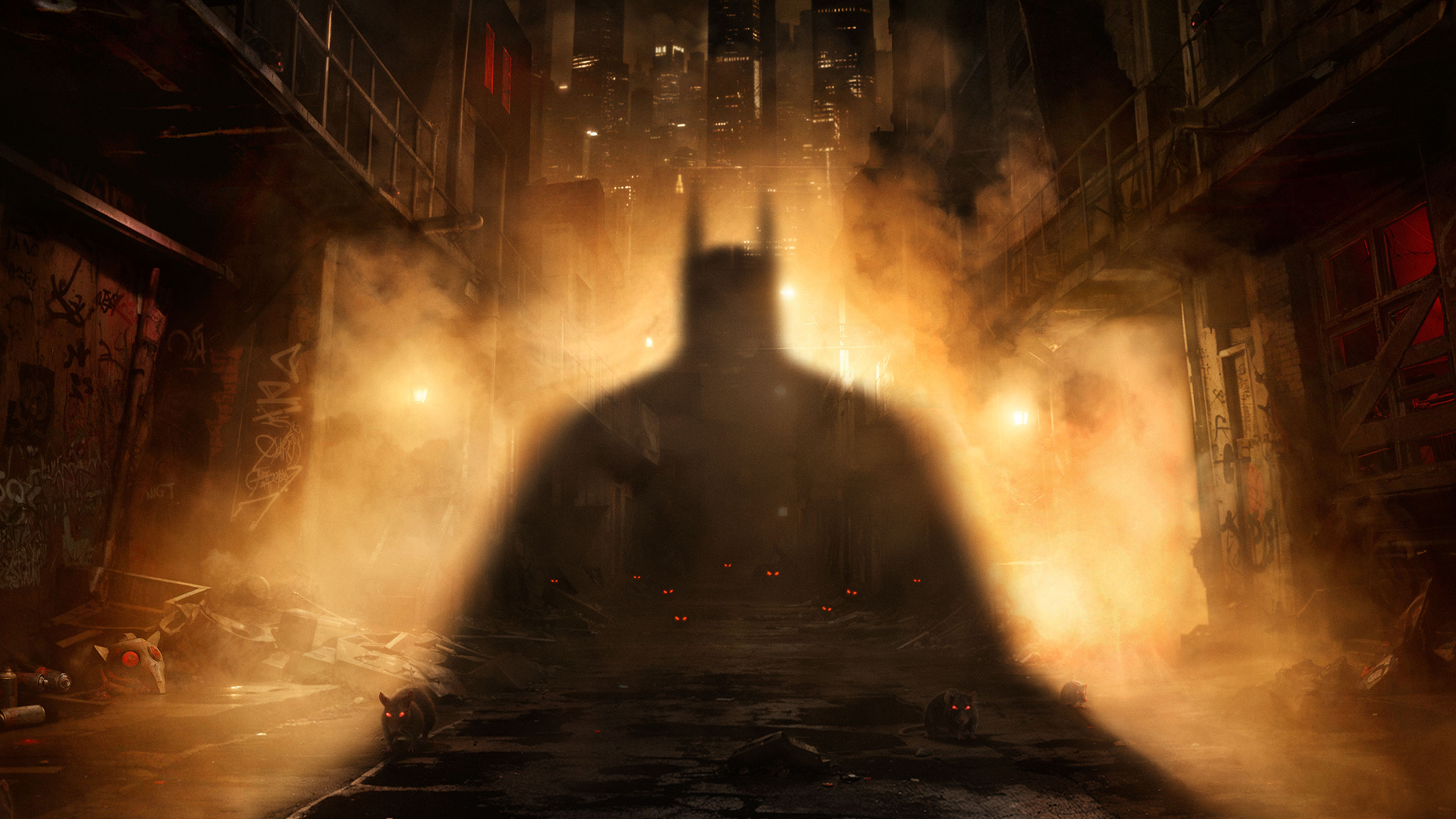
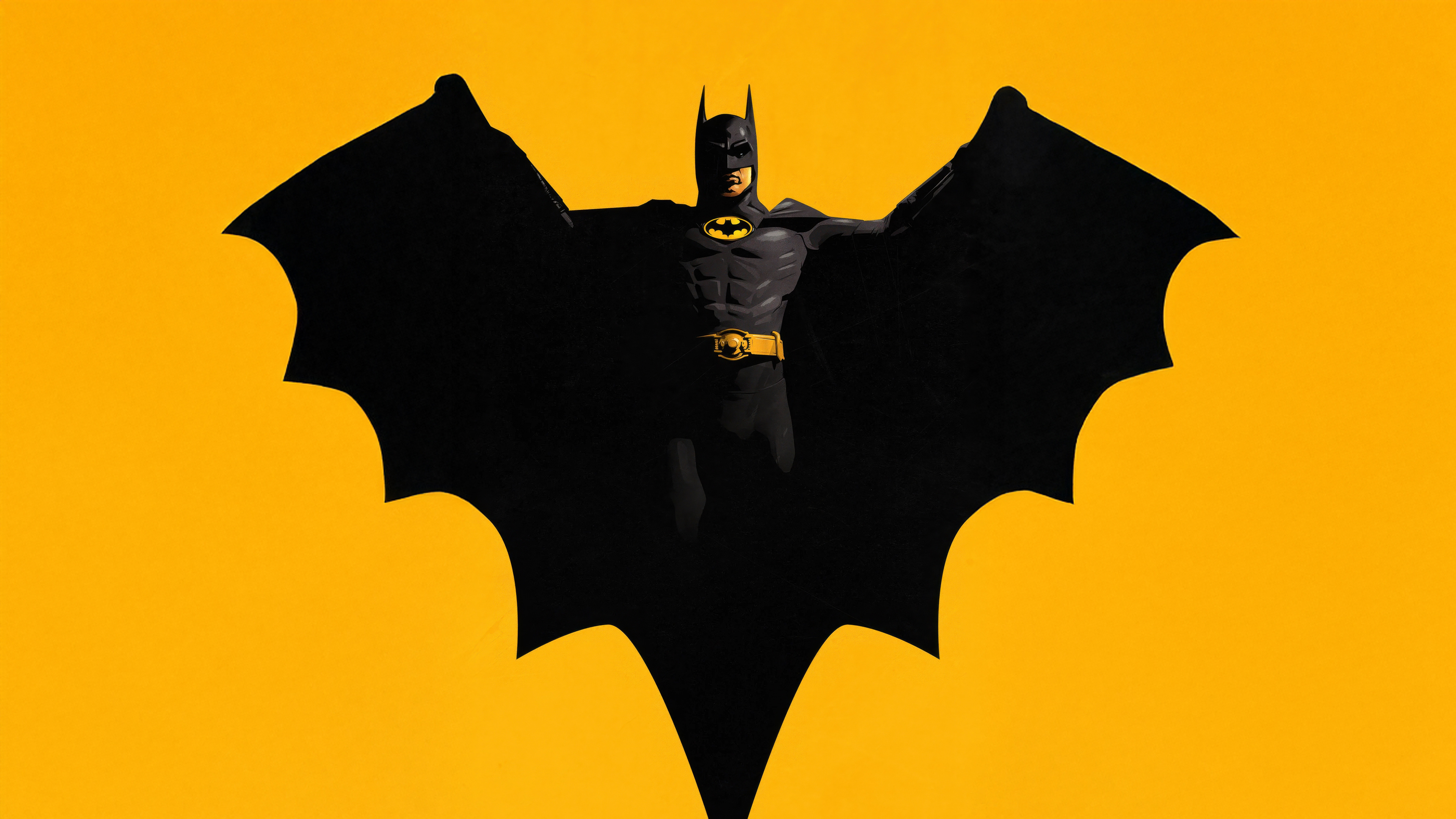
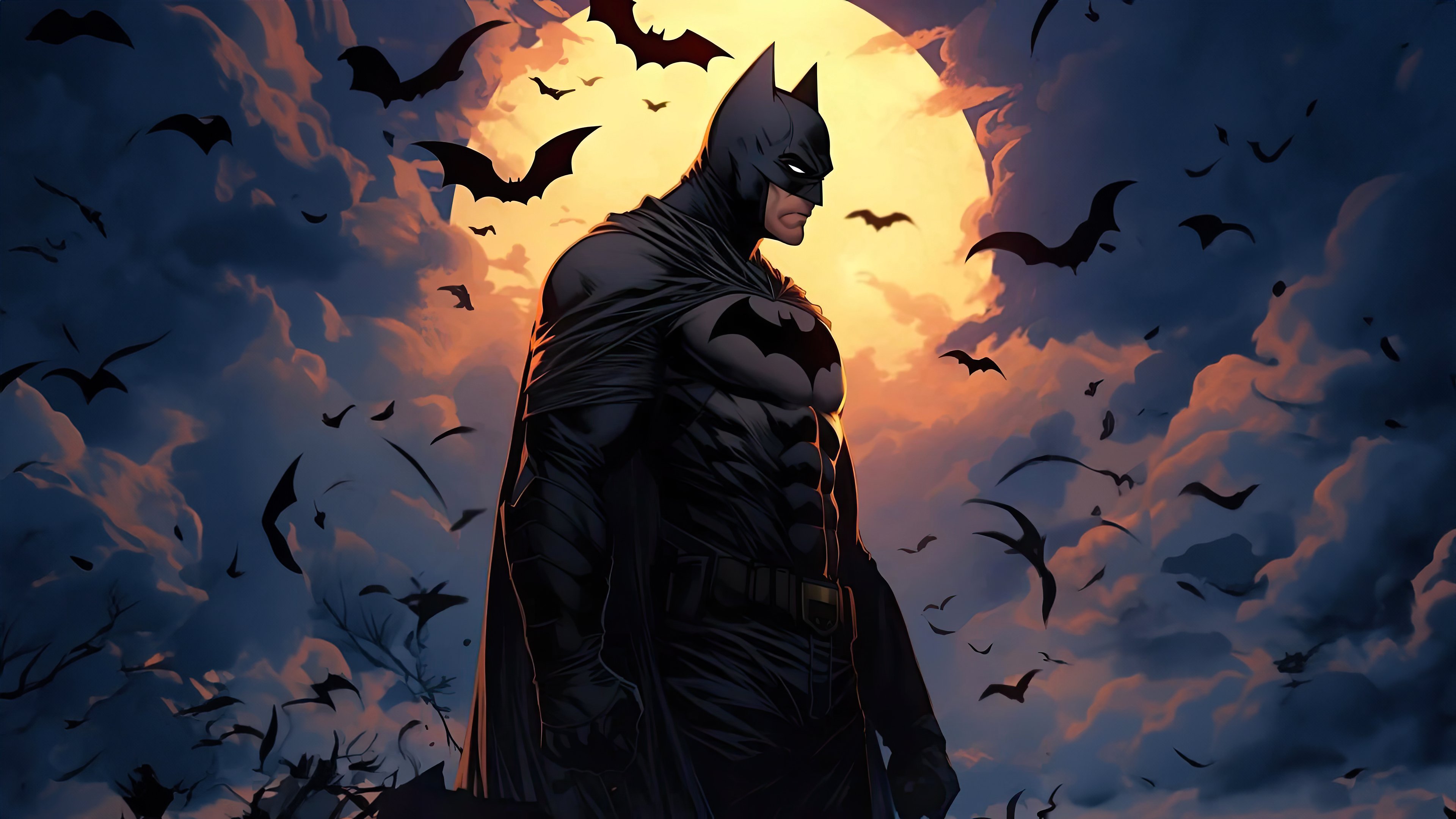
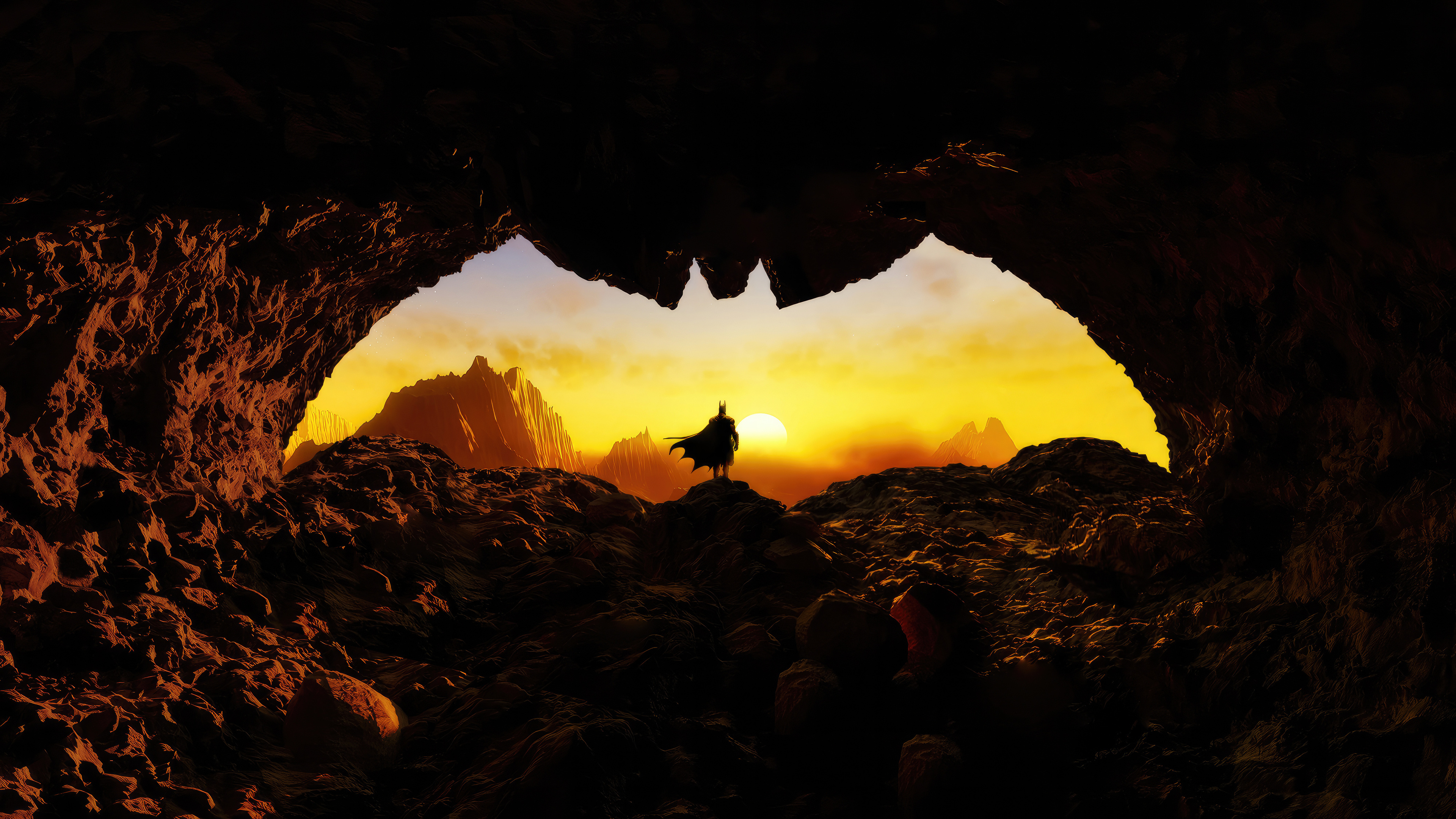
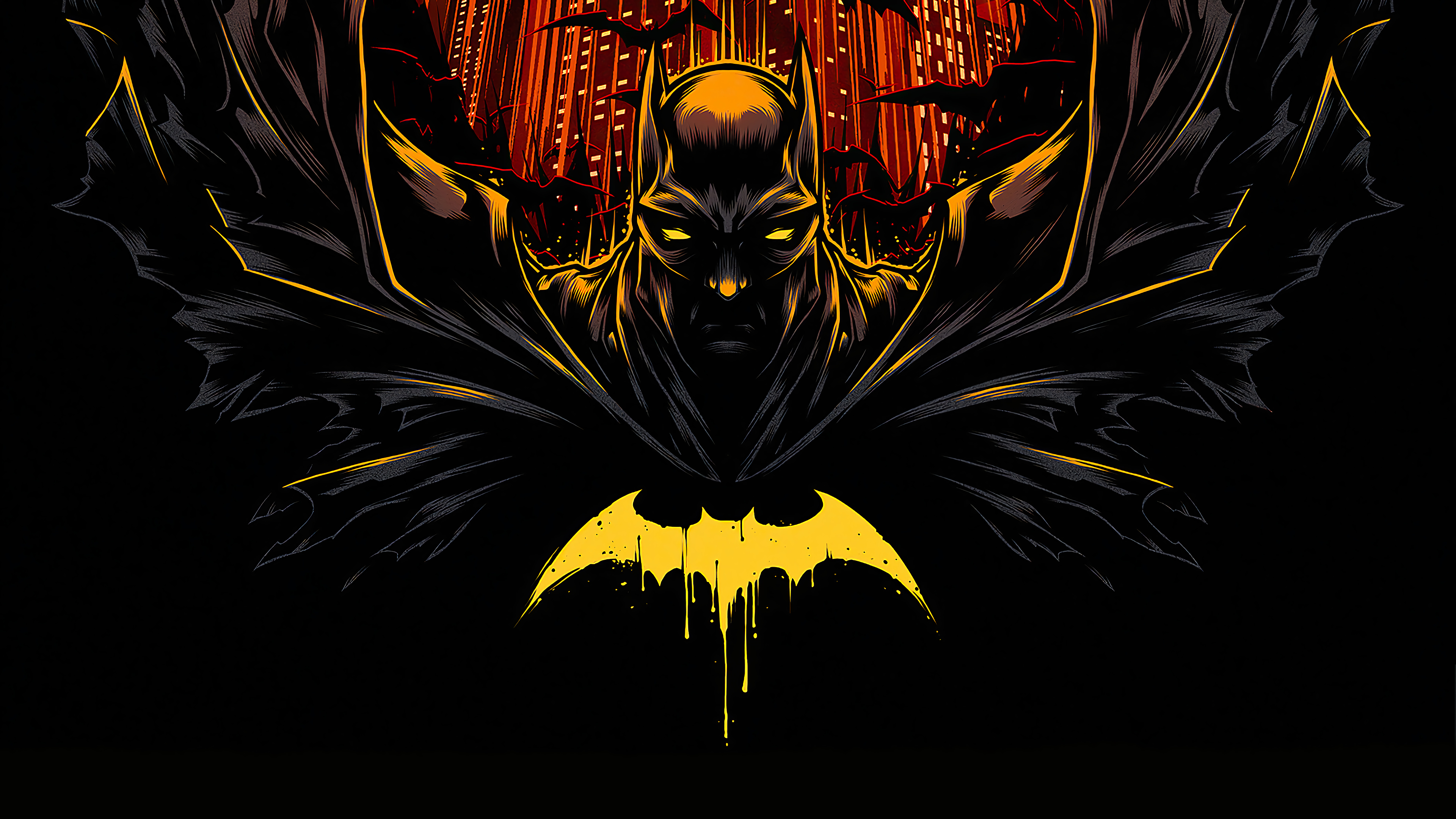
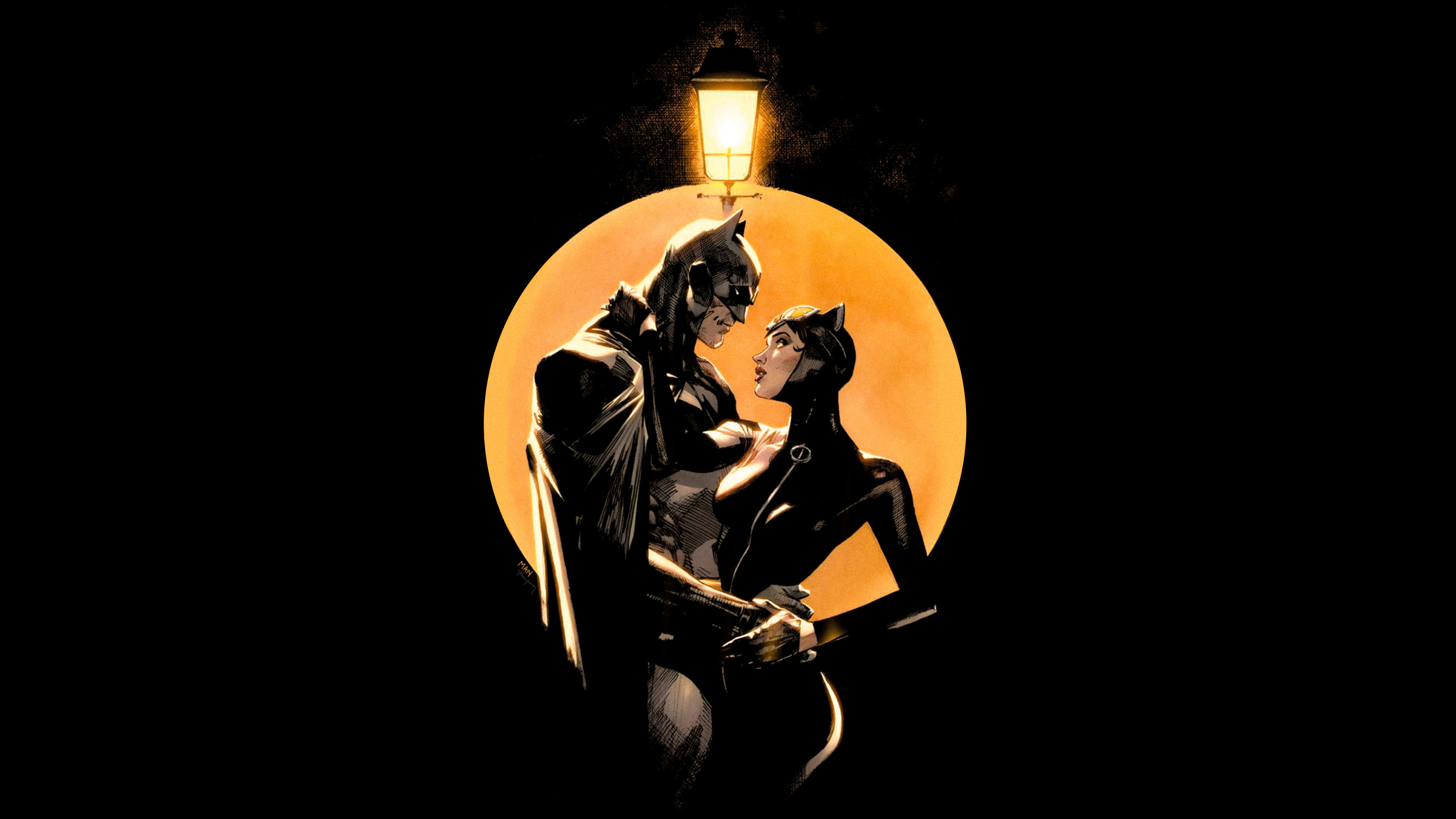
Wallpapers live in backgrounds/; preview.png and preview2.png show the intended look.
Background previews
 |
 |
 |
 |
 |
 |
 |
 |
 |
 |
 |
 |
 |
 |
Notes
- Waybar styling is derived from HANCORE-Linux's Waybar themes collection and adjusted to match the Batman palette.