color palette
background
#282a36
foreground
#f8f8f2
accent
#8be9fd
preview
~/dracula
┌──────────────────────Hardware──────────────────────┐
PC: omarchy-host
│ ├: x86_64 (8 cores) @ 4.00 GHz
│ ├: Integrated Graphics
│ ├: 1920x1080 @ 60 Hz
│ ├: 120 / 500 GiB (24%)
│ ├: 8 / 16 GiB (50%)
└ └ : 0 / 4 GiB (0%)
└────────────────────────────────────────────────────┘
┌──────────────────────Software──────────────────────┐
OS: Omarchy 3.6.0
│ ├: master
│ ├: stable
│ ├: linux-arch
│ ├: Hyprland (Wayland)
│ ├: ghostty
│ ├: 1024 (pacman)
│ ├: Dracula ●●●●●●●●
└ └: JetBrainsMono Nerd Font (9pt)
└────────────────────────────────────────────────────┘
┌─────────────────Age / Uptime / Update───────────────┐
OS Age: 0 days
Uptime: 2 hours, 13 mins
Update: Today
└────────────────────────────────────────────────────┘
user@omarchy:~ $
readme
Omarchy Dracula Theme
This is the Dracula Theme for Omarchy.org, providing a cohesive and visually appealing configuration set for your Linux desktop environment.
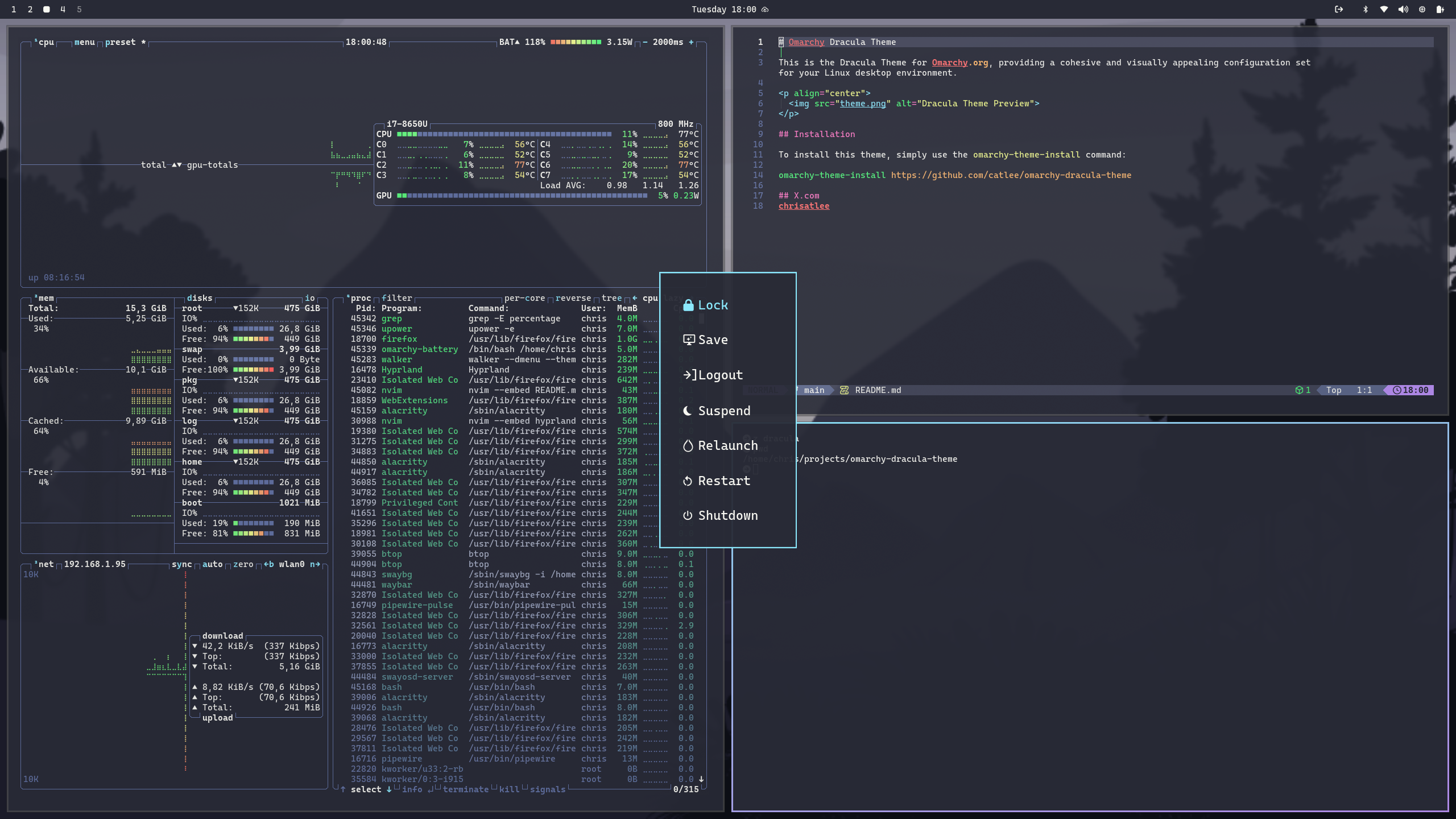
Installation
To install this theme, simply use the omarchy-theme-install command:
omarchy-theme-install https://github.com/catlee/omarchy-dracula-themeUnlock Screen
Dracula appears in Style > Unlock after installation. To apply it automatically whenever the Dracula desktop theme is selected, install the included hook:
omarchy hook install theme-set ~/.config/omarchy/themes/dracula/extras/dracula-unlock.hookThe hook opens a terminal for administrator authentication only when the unlock screen needs updating.
Files
The theme selects purple Yaru folder icons automatically. To apply the Dracula surfaces to GTK 4 apps such as Files:
mkdir -p ~/.config/gtk-4.0
ln -s ~/.local/state/omarchy/current/theme/gtk.css ~/.config/gtk-4.0/gtk.css
nautilus -q
The link command safely refuses to replace an existing GTK stylesheet.