color palette
background
#002d38
foreground
#8faaab
accent
#2b90d8
cursor
#8faaab
selection background
#093946
selection foreground
#98a8a8
color0
#093946
color1
#f23749
color2
#819500
color3
#ac8300
color4
#2b90d8
color5
#dd459d
color6
#259d94
color7
#f1e9d2
color8
#5b7279
color9
#d56500
color10
#5b7279
color11
#657377
color12
#98a8a8
color13
#7d80d1
color14
#8faaab
color15
#fbf7ef
preview
~/grimdark-solarized
┌──────────────────────Hardware──────────────────────┐
PC: omarchy-host
│ ├: x86_64 (8 cores) @ 4.00 GHz
│ ├: Integrated Graphics
│ ├: 1920x1080 @ 60 Hz
│ ├: 120 / 500 GiB (24%)
│ ├: 8 / 16 GiB (50%)
└ └ : 0 / 4 GiB (0%)
└────────────────────────────────────────────────────┘
┌──────────────────────Software──────────────────────┐
OS: Omarchy 3.6.0
│ ├: master
│ ├: stable
│ ├: linux-arch
│ ├: Hyprland (Wayland)
│ ├: ghostty
│ ├: 1024 (pacman)
│ ├: Grimdark Solarized ●●●●●●●●
└ └: JetBrainsMono Nerd Font (9pt)
└────────────────────────────────────────────────────┘
┌─────────────────Age / Uptime / Update───────────────┐
OS Age: 0 days
Uptime: 2 hours, 13 mins
Update: Today
└────────────────────────────────────────────────────┘
user@omarchy:~ $
readme
Omarchy Grimdark Solarized Theme
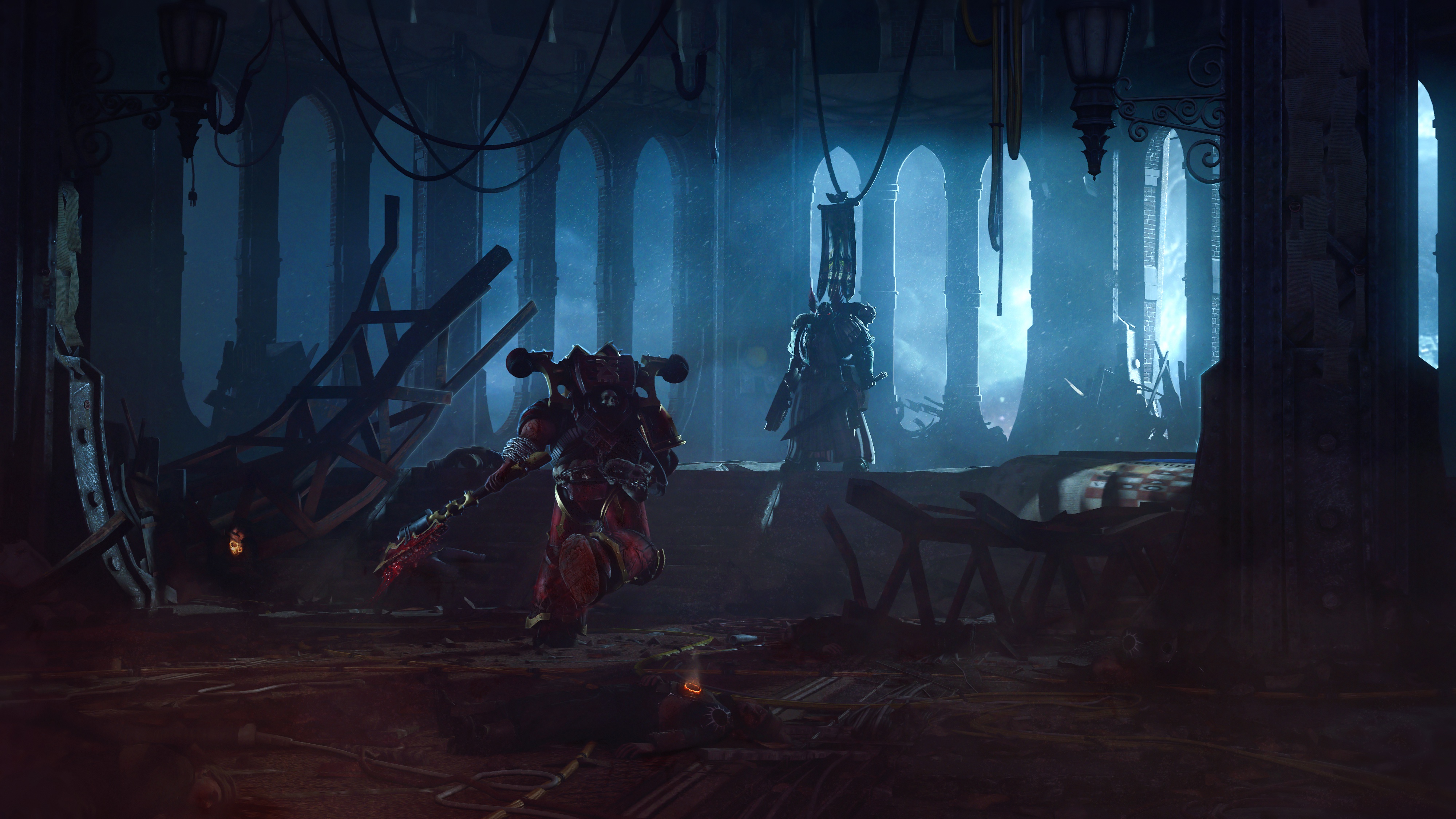
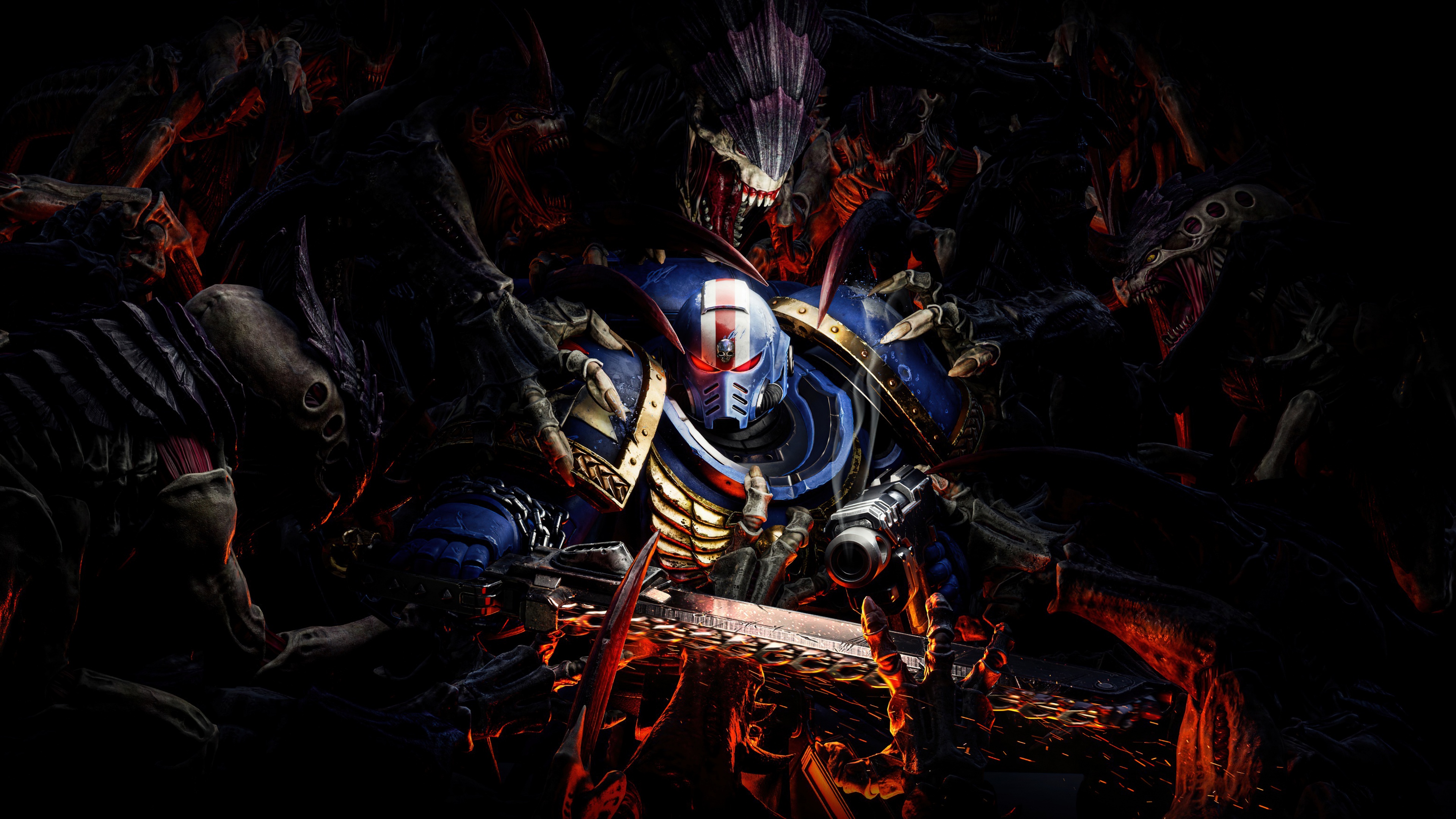
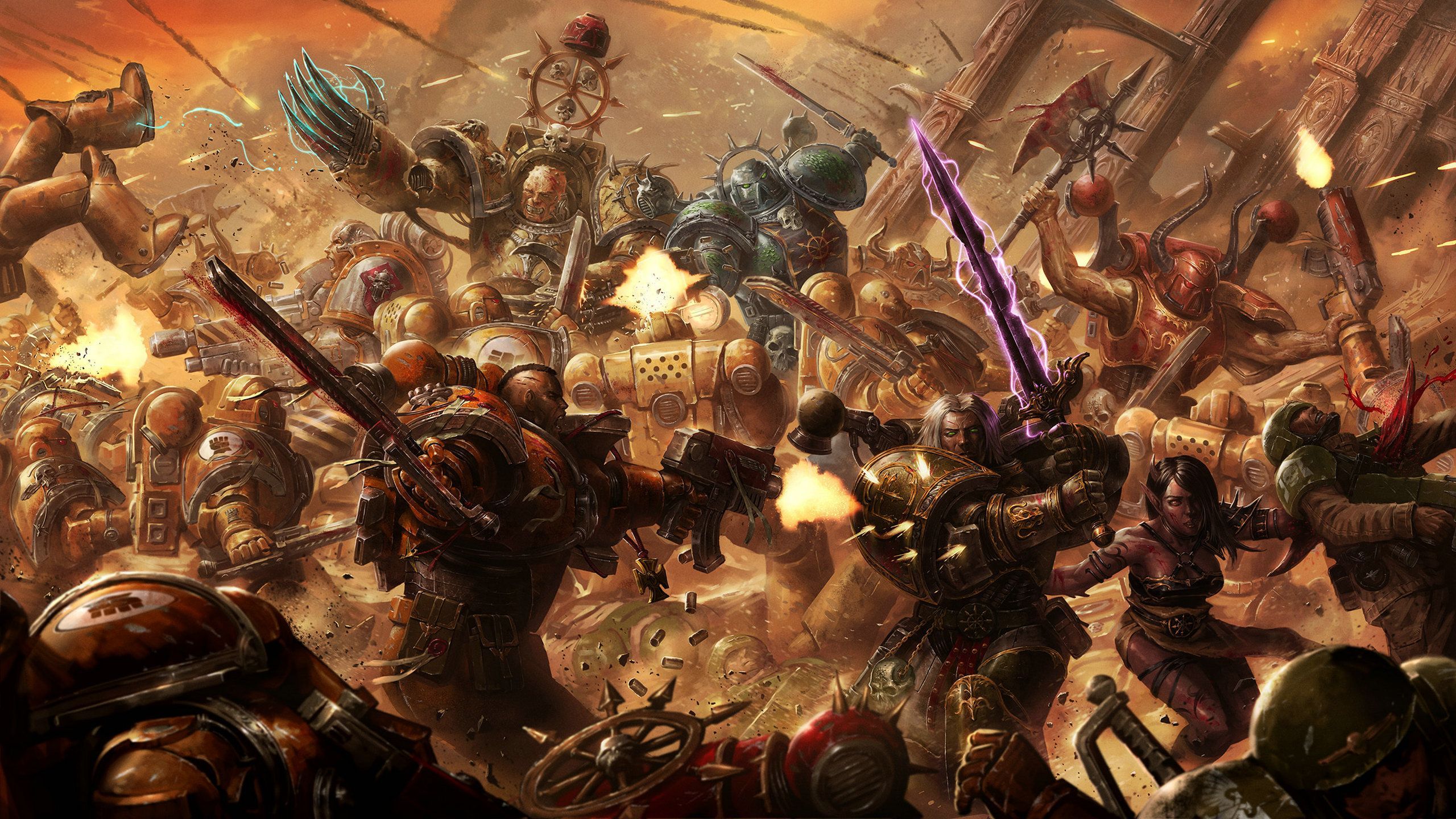
Warhammer 40k inspired Solarized Dark theme for Omarchy Linux. This is a grim, low-noise take on Solarized that keeps the palette faithful while pushing the atmosphere toward gothic sci-fi, with custom Waybar, Walker, and SwayOSD styling plus a hand-picked set of free 4k Warhammer 40k wallpapers. Built for Omarchy's theme installer, this repo ships all configs and assets needed to apply the look in one go.
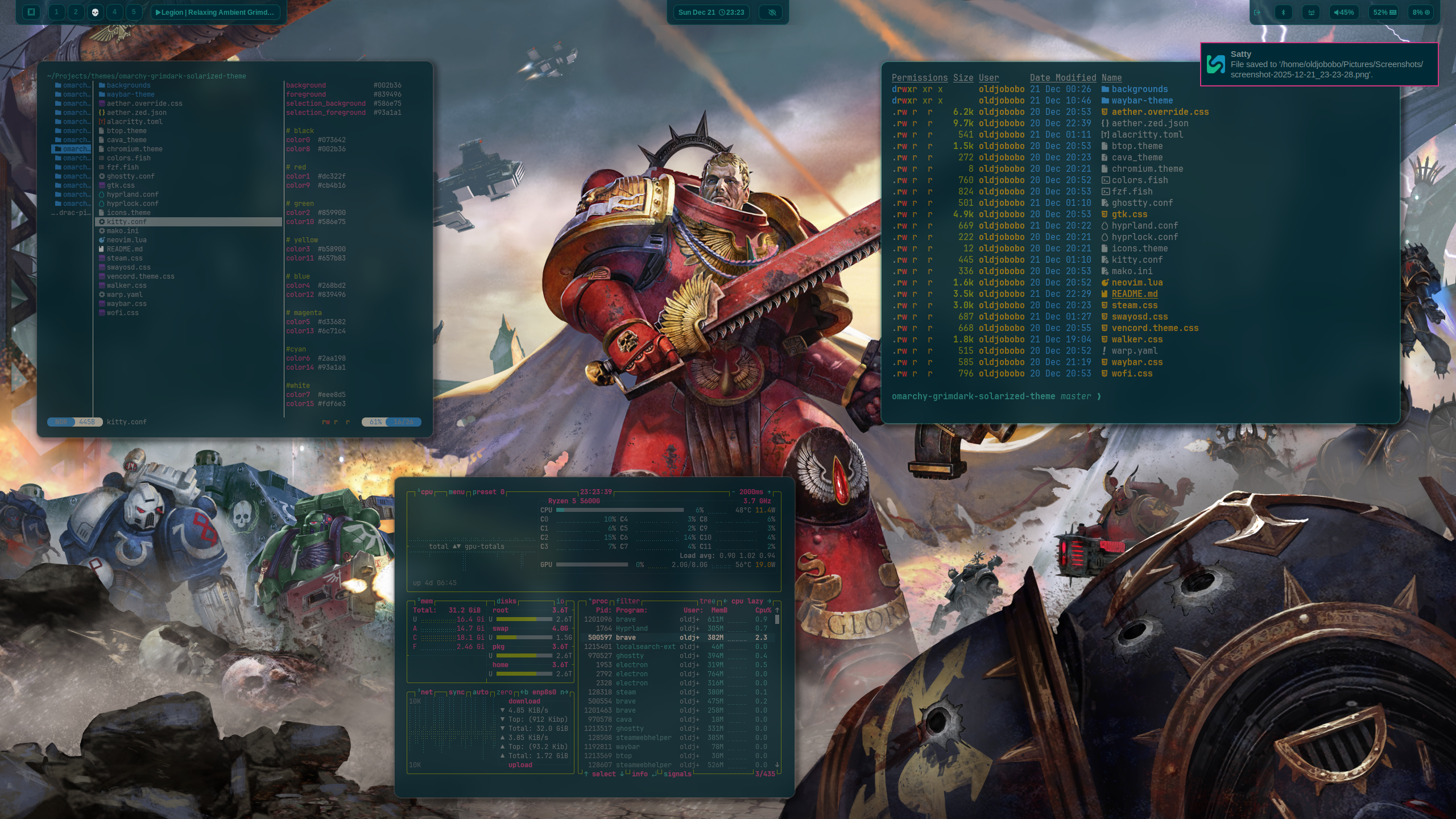
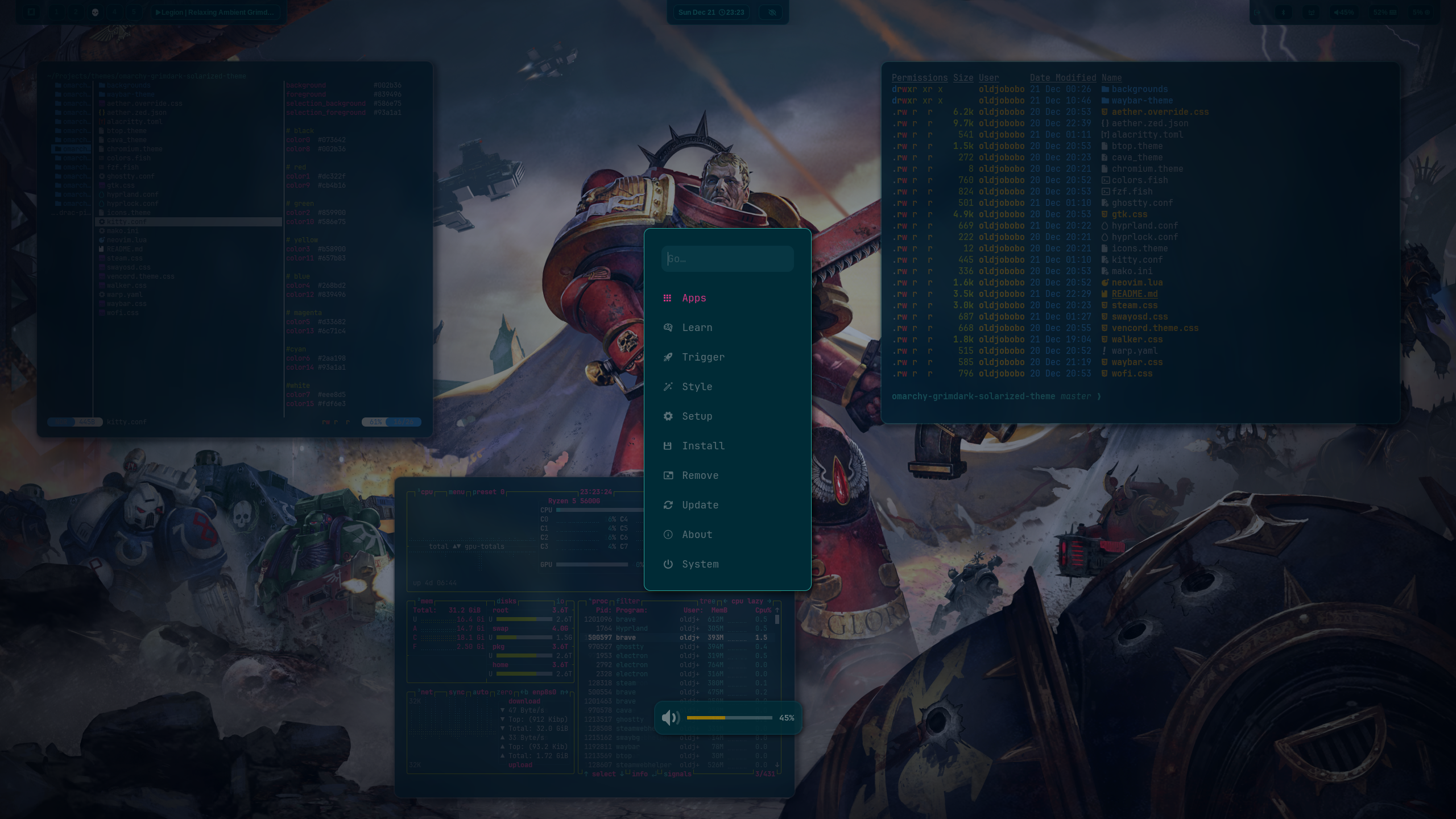
What's included
- Hyprland: dimmed inactive windows, zero borders, custom opacity rules (
hyprland.conf) - Hyprlock colors for ring and text (
hyprlock.conf) - Waybar styling with a custom grimdark layout (
waybar.css) - Terminals: Alacritty (
alacritty.toml), Ghostty (ghostty.conf), Kitty (kitty.conf) - Shell/UI tools: btop (
btop.theme), Wofi (wofi.css) - Notifications and helpers: Mako (
mako.ini), SwayOSD (swayosd.css), Walker launcher (walker.css) - Neovim colorscheme snippet (
neovim.lua) - Icon theme pointer for Yaru-purple (
icons.theme)
Quick start
Run the installer and it will place everything where it belongs:
omarchy-theme-install https://github.com/OldJobobo/omarchy-grimdark-solarized-themeWallpapers live in backgrounds/. Apply them in your wallpaper tool of choice after installation.
Customize
- Tweak window opacity in
hyprland.confif you want more or less dimming. - Adjust bar spacing, fonts, and modules in
waybar.cssto fit your layout. - Swap terminal presets by editing
alacritty.toml,ghostty.conf, orkitty.confbefore installing.
Background previews
 | 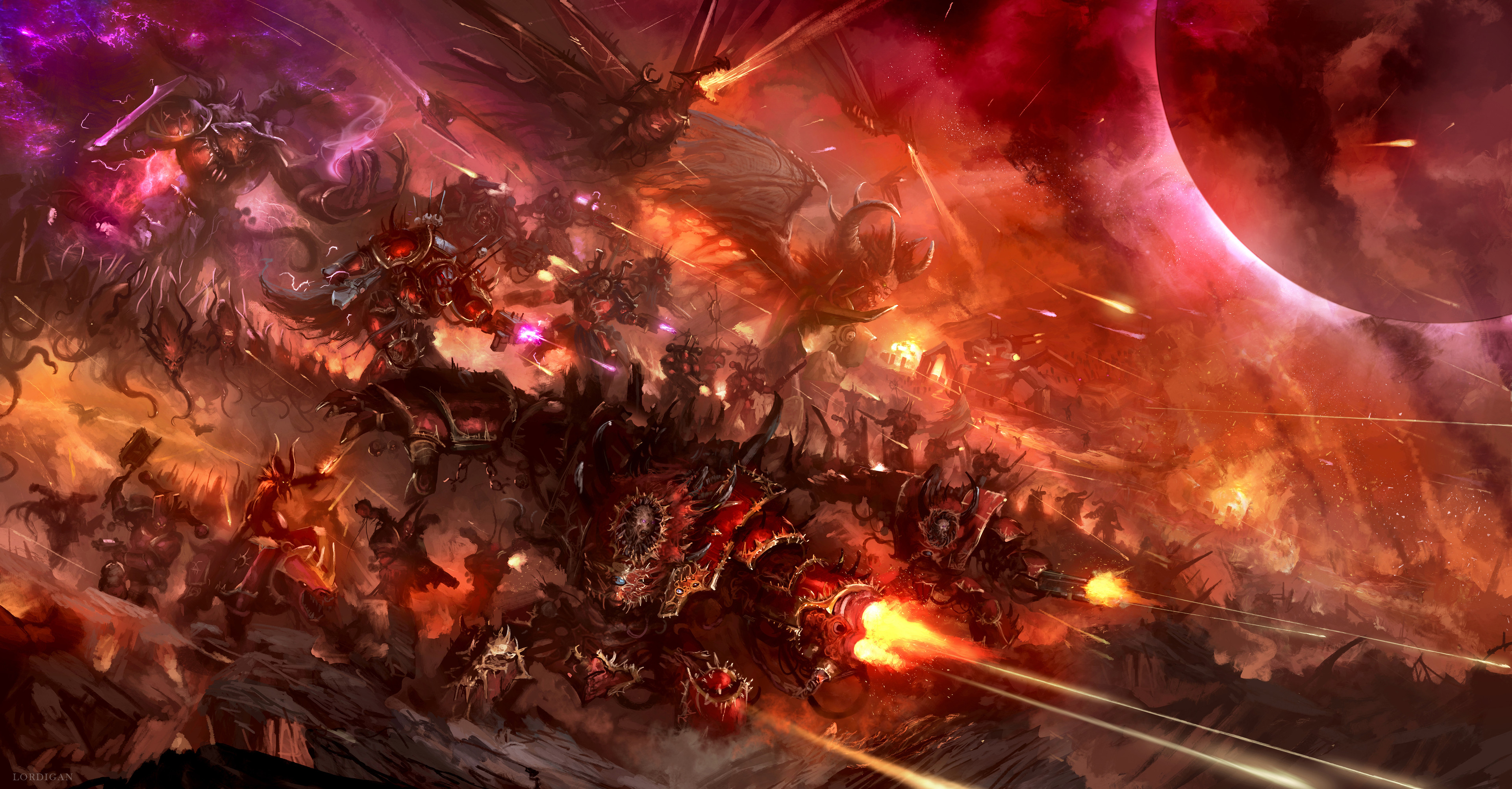 | 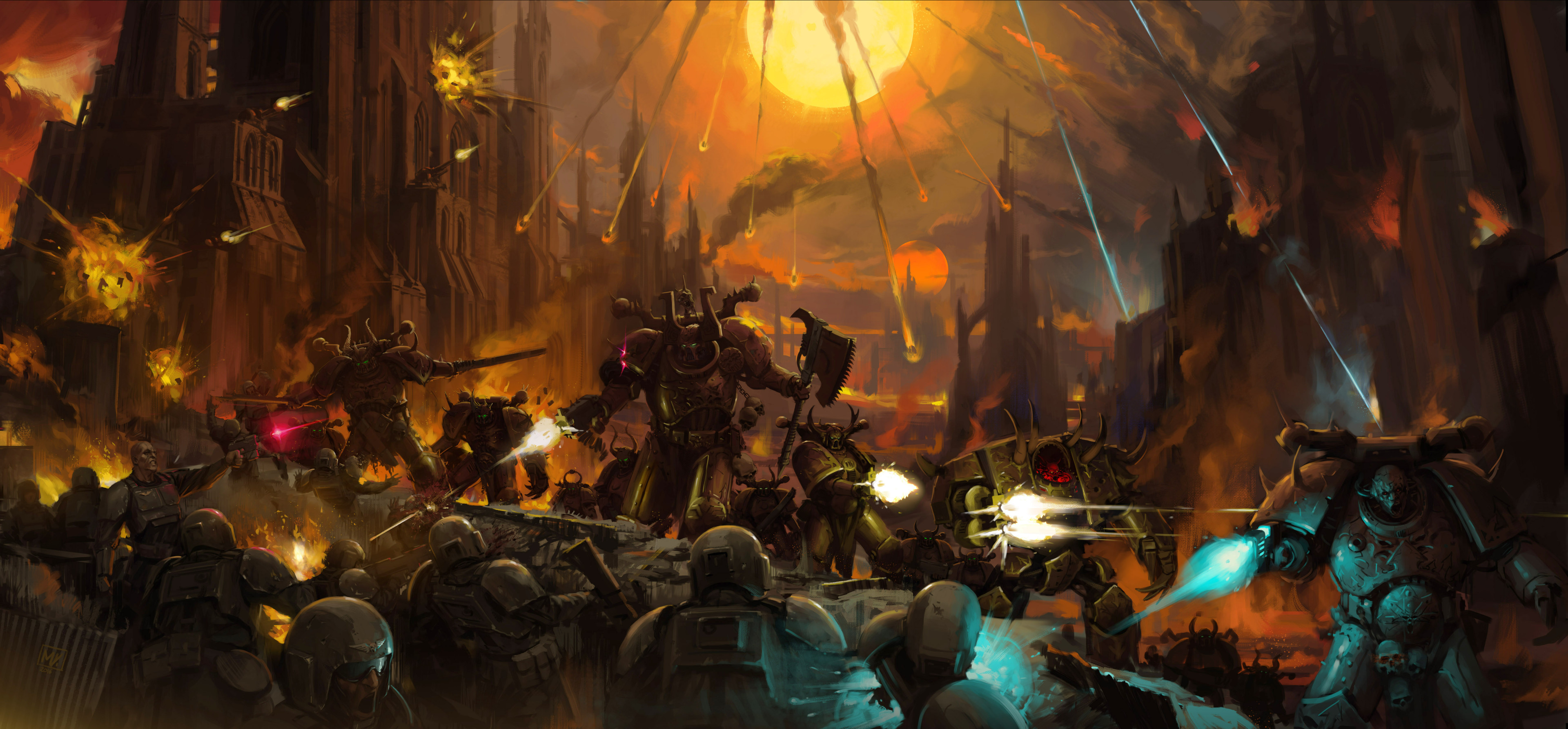 |
 |  |  |
 |  |  |
Notes
- Hyprland rules enforce full opacity on active windows and slight dimming on inactive ones; adjust
windowrulelines if you want different defaults. - The palette is Solarized Dark at its core, tuned toward grimdark contrast and saturation control for a Warhammer 40k feel.