color palette
#F4F4F5
#202124
#AEB1C0
#D66938
#E99867
#202124
#767476
#D66938
#97969A
#F7D383
#AEB1C0
#BA6435
#E99867
#F4F4F5
#97969A
#E3884A
#CAD1E0
#FFE39A
#CAD1E0
#E99867
#F7D383
#FFFFFF
preview
readme
Infernium Theme
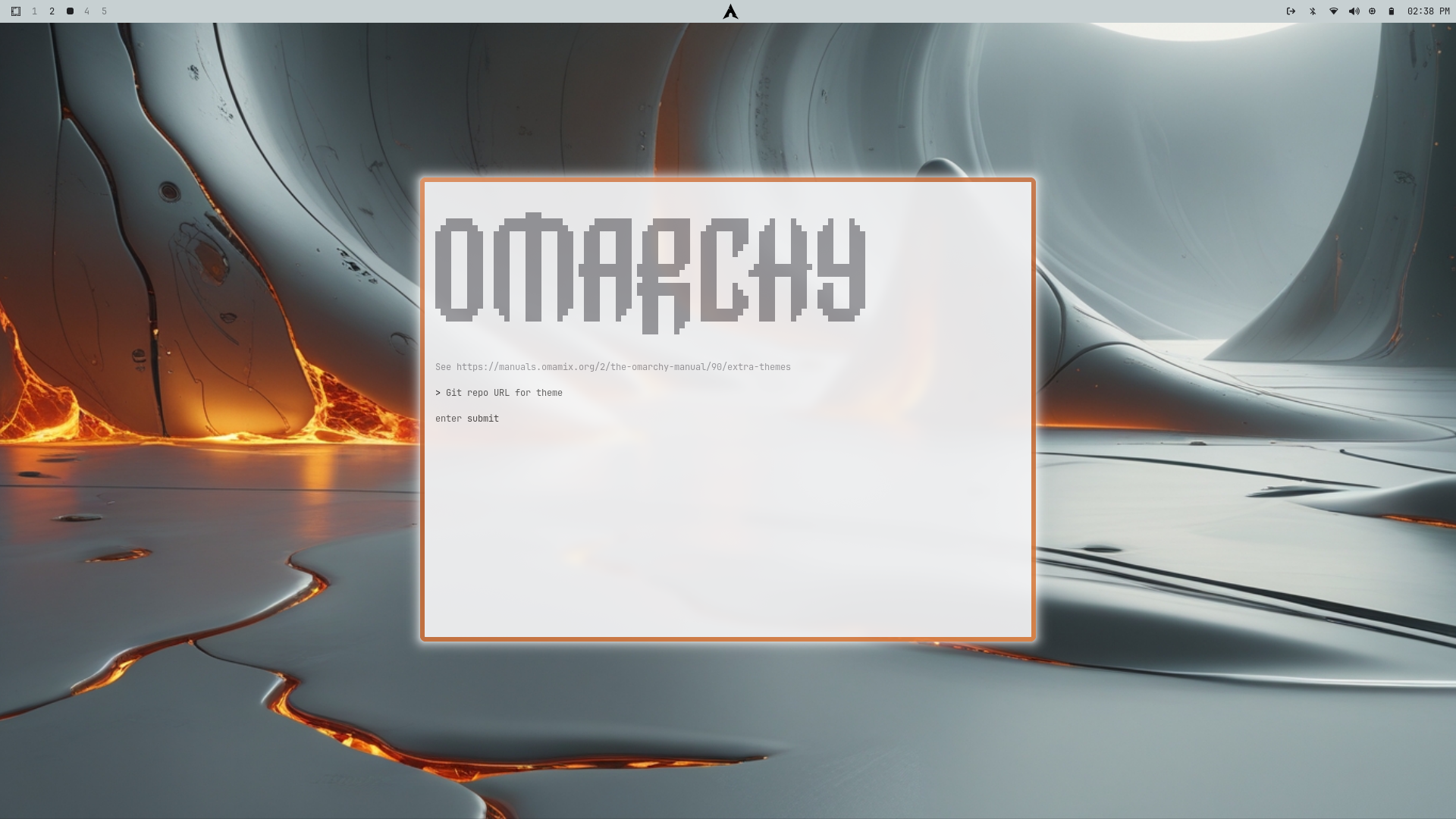
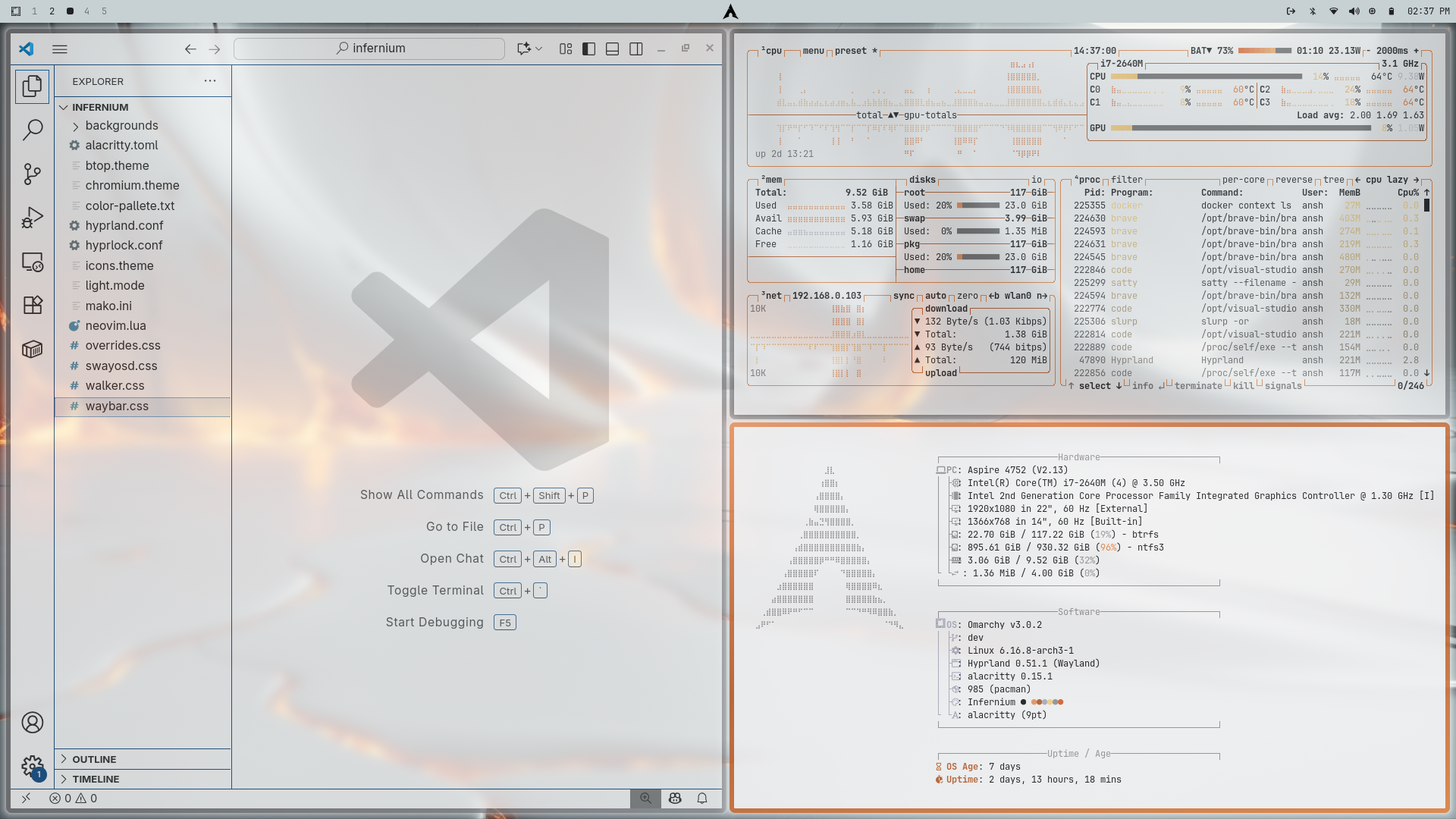
A high-contrast light theme inspired by molten lava flows and biomechanical machinery. Industrial greys and metallic whites form the base, while glowing oranges, deep reds, and molten highlights accentuate the UI for a dramatic, mechanical-organic feel.
Theme Concept
Molten Mechanica – Subtle light grey bases with glowing lava accents to create a living, industrial UI.
Lava Flow Accents – Warm molten oranges and reds highlight interactive elements and focus areas.
Clarity & Focus – Dark text on light backgrounds ensures maximum legibility without sacrificing style.
Color Palette
Base Colors
Background: #DDDBDD – Light industrial grey
Foreground/Text: #202124 – High-contrast dark grey
Border: #E0E0E0 – Subtle metallic accent
Lava / Accent Colors
Lava Light: #E3B573 – Soft molten highlight
Lava Mid: #E3884A – Orange lava flow
Lava Deep: #D66938 – Deep burnt core
Lava Core: #BA6435 – Intense molten red
Supporting Neutrals
Silver: #CAD1E0 – Soft metallic
Steel: #97969A – Medium grey accent
White: #F4F4F5 – Clean UI elements
Terminal Colors (Alacritty)
Color Normal Bright Description Black #202124 #000000 Base text / UI contrast Red #EA4335 #FF6B6B Errors / critical highlights Green #34A853 #74B72F Success / status Yellow #E3B573 #D9A220 Soft molten highlights Blue #4285F4 #2F6FFF Accents / interactive elements Magenta #FF6EC7 #FF90D0 Decorative highlights Cyan #00BCD4 #33FFFF Secondary accents White #FFFFFF #F4F4F5 Background and clean surfaces
Features
Molten Borders: Glowing orange/red borders around active windows.
Biomechanical Glow: Subtle lava-inspired highlights for interactive components.
High Contrast: Dark text on light background for maximum readability.
Minimal Noise: Streamlined UI elements for focused productivity.
Components Included
Terminal (Alacritty): Lava orange + deep red progress bars.
Window Manager (Hyprland): Industrial grey with glowing lava borders.
Status Bar (Waybar): Minimal orange and red indicators.
Notifications (Mako): Molten glow highlights.
App Launcher (Wofi/Walker): Clean search with orange focus.
OSD (SwayOSD): Lava-colored progress bars.
System Monitor (Btop): Dark grey backgrounds with molten progress bars.
Lock Screen (Hyprlock): Industrial ASCII logo style.
Text Editor (Neovim): Full Infernium colorscheme.
Icons: Warm metallic and lava-toned accents.
Installation
Install via Omarchy:
Super + Alt + Space > Install > Theme > Style
OR
omarchy-theme-install https://https://github.com/RiO7MAKK3R/omarchy-infernium-theme
OR copy the theme directory to your Omarchy themes folder.
Suggested Font
Fira Code — Clean, developer-friendly monospace that complements the mechanical feel.
Install on Arch:
sudo pacman -S ttf-fira-code
Wallpaper Suggestions
Look for images featuring:
Molten lava flows with industrial textures
Metallic landscapes with glowing orange highlights
Futuristic biomechanical machinery
Abstract minimal molten shapes on light/grey backgrounds
Notes
Optimized for light, high-contrast environments.
Best viewed with high-opacity lava glow on borders and highlights.
Some apps may require tweaks for perfect visual consistency.
Adjust window border sizes in Hyprland for maximum molten effect.
Preview