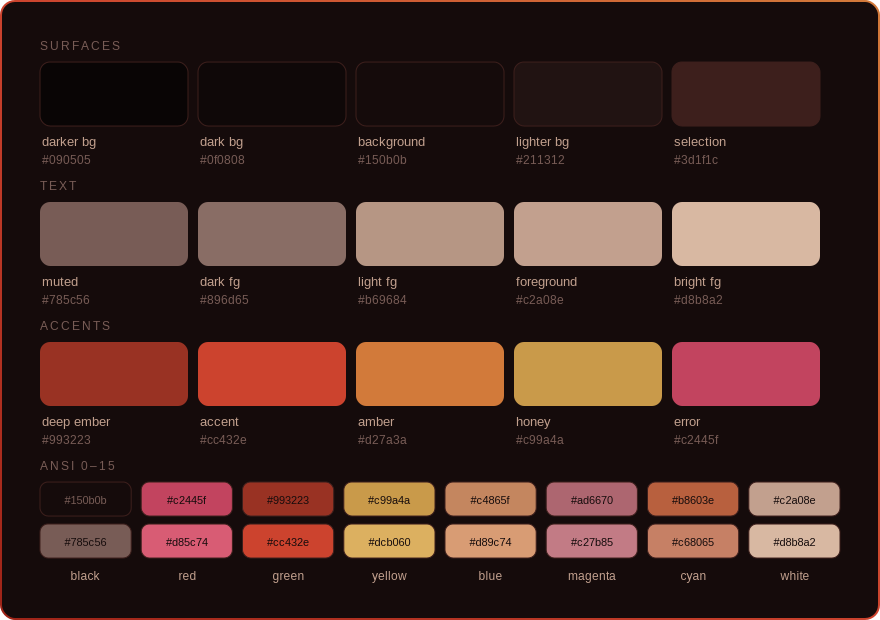
color palette
#150b0b
#c2a08e
#cc432e
#d8b8a2
#3d1f1c
#d8b8a2
#150b0b
#c2445f
#993223
#c99a4a
#c4865f
#ad6670
#b8603e
#c2a08e
#785c56
#d85c74
#cc432e
#dcb060
#d89c74
#c27b85
#c68065
#d8b8a2
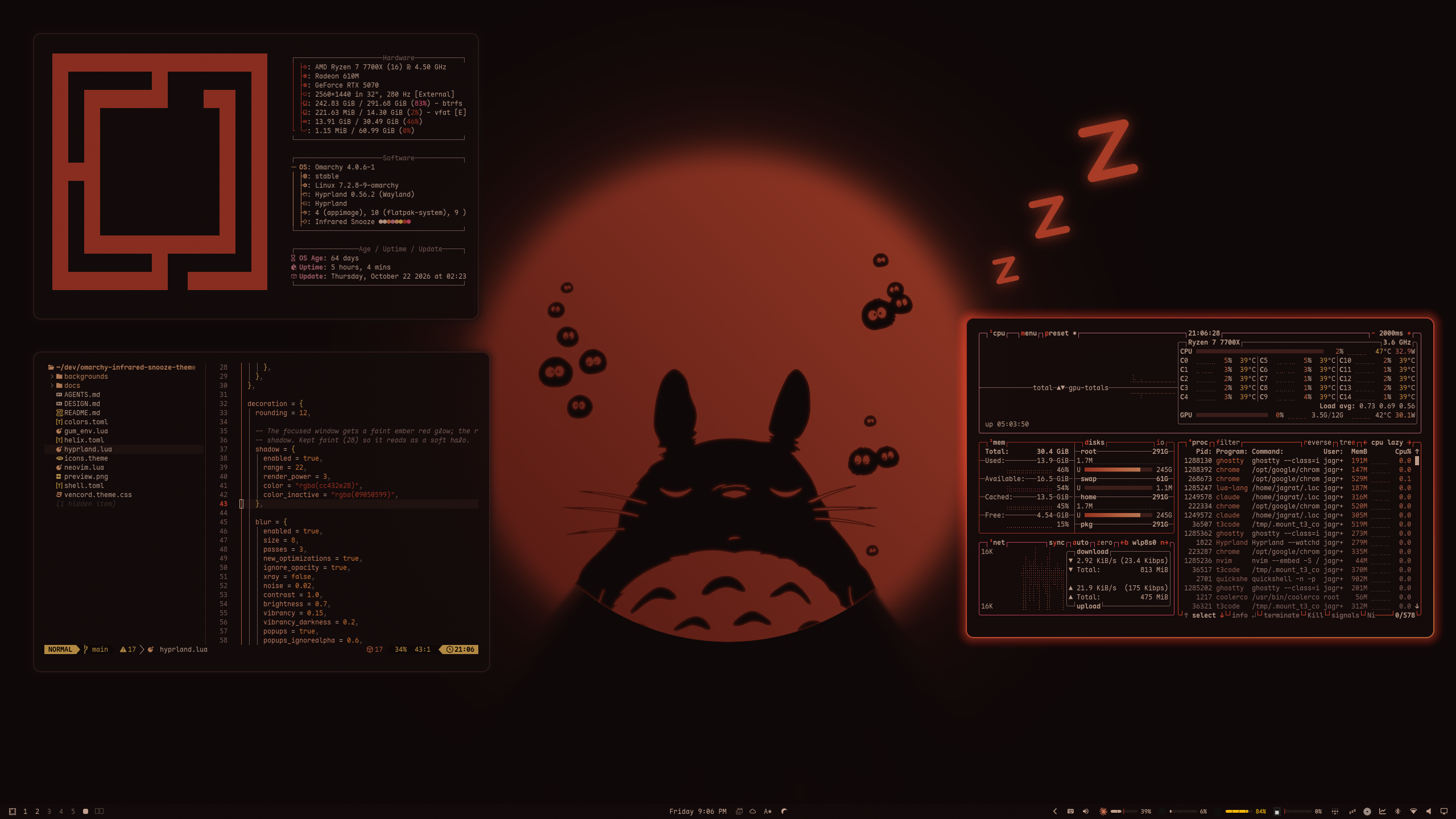
preview
readme
Infrared Snooze
A warm dimmed, dark Omarchy theme made to help you wind down before bed.
Why red and dim?
Your body clock is most sensitive to blue light, around 460 to 480 nm, and much less to red (Brainard 2001). But colour alone isn't enough: a warmer screen at full brightness still suppresses melatonin (Nagare 2019), so the theme is kept dim too.
Pair it with the Darky plugin to have the theme auto apply close to your bedtime.
Install
Currently (4.0.6) omarchy theme install drops every .lua file and the terminal configs, so
you lose the Hyprland look and everything. Clone and
link the repo instead.
Clone and link
mkdir -p ~/custom-themes
git clone https://github.com/jagrat7/omarchy-infrared-snooze-theme ~/custom-themes/infrared-snooze
ln -sT ~/custom-themes/infrared-snooze ~/.config/omarchy/themes/infrared-snooze
omarchy theme set infrared-snooze
Or use theme-link
Official way (skip till they fix it):
omarchy theme install https://github.com/jagrat7/omarchy-infrared-snooze-themeWallpapers
 |
 |
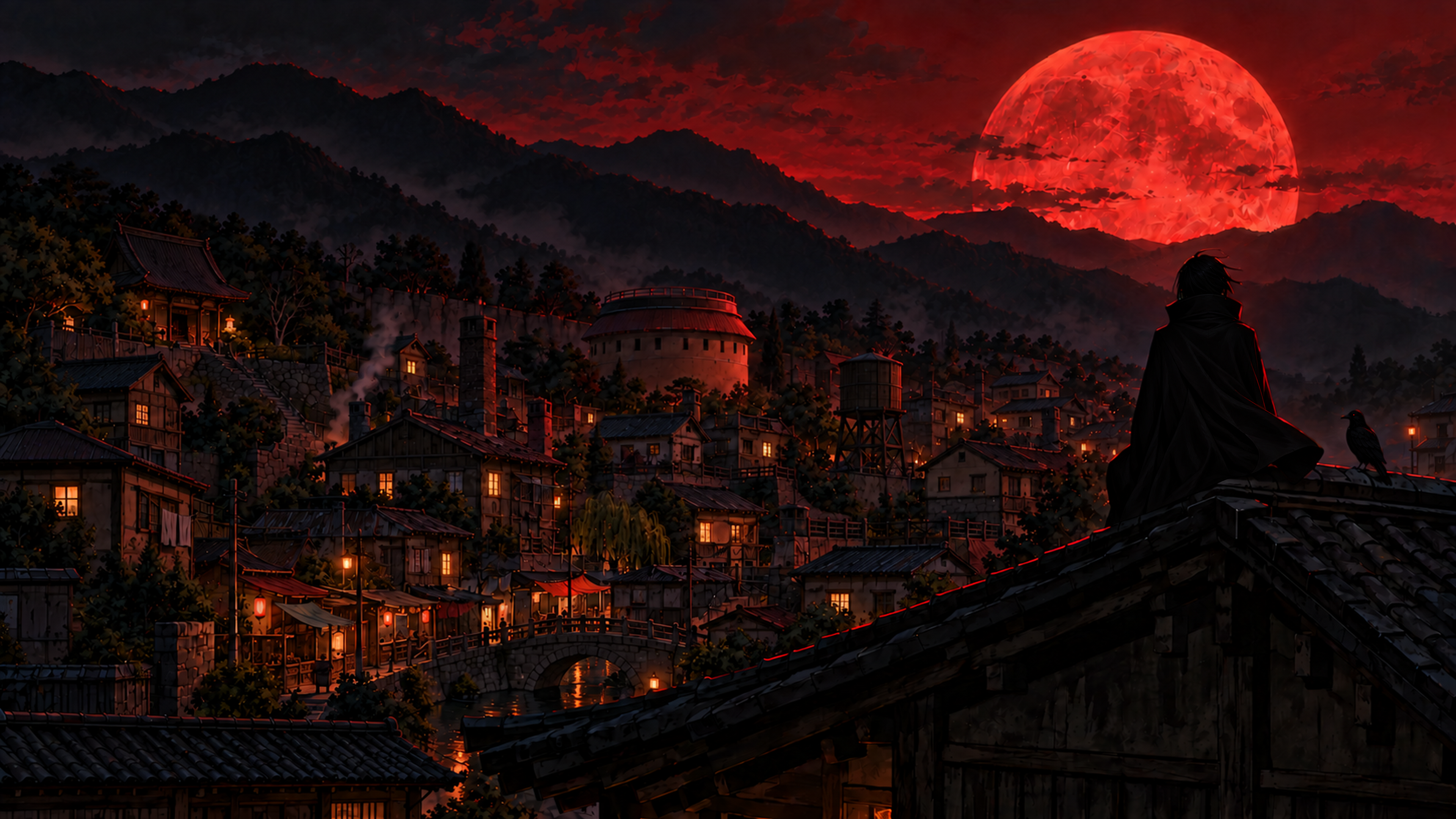 |
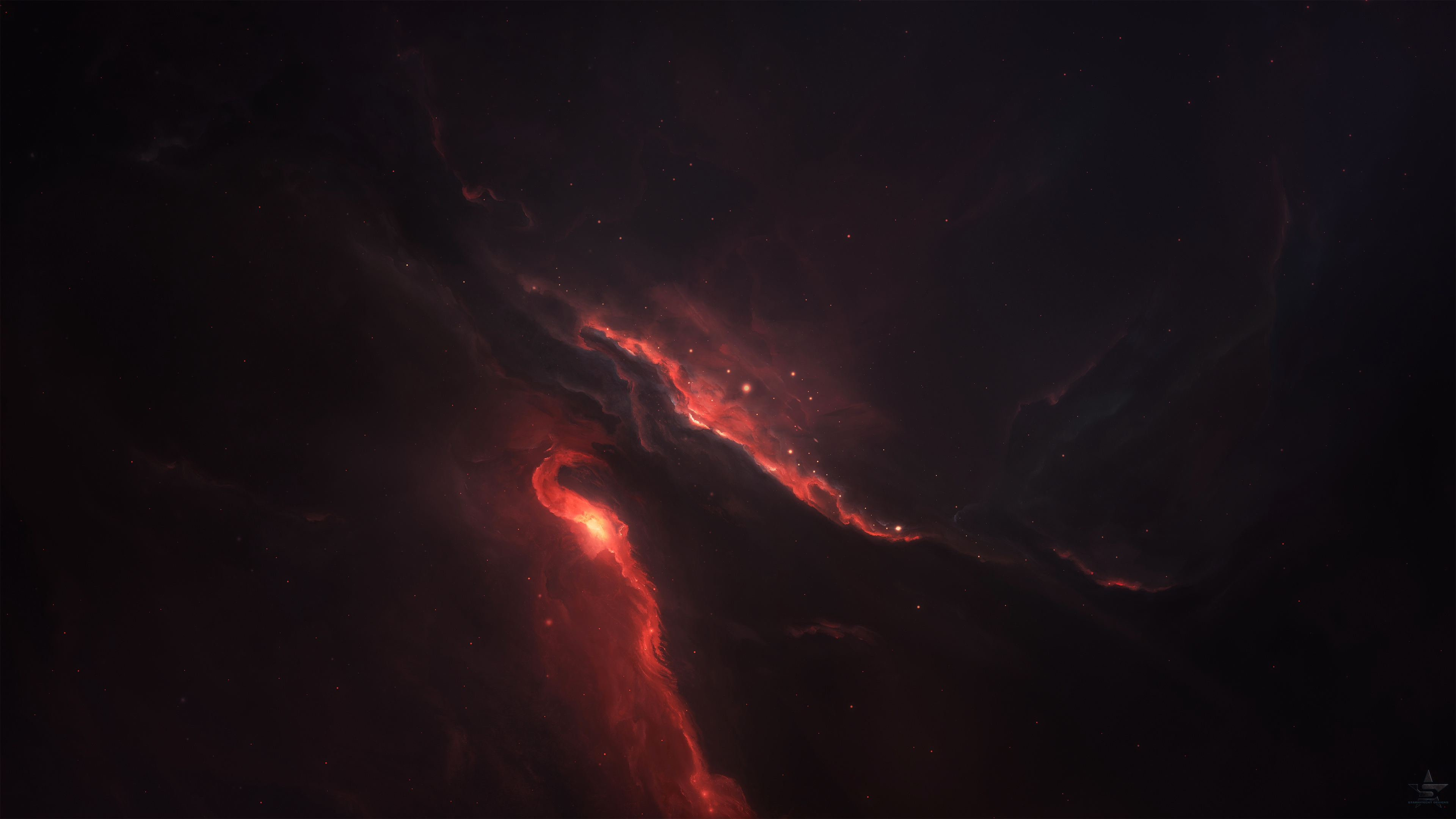 |
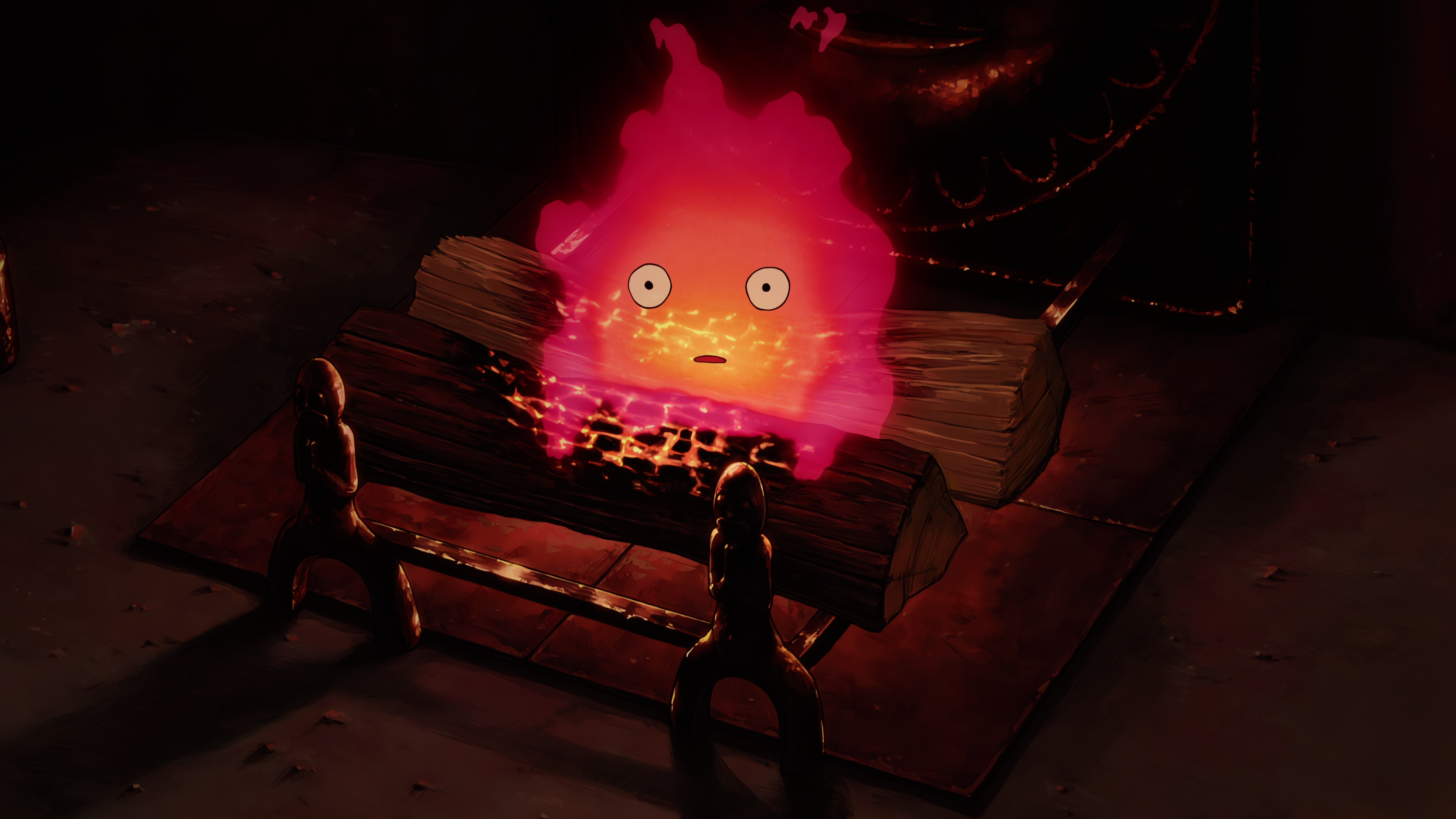 |
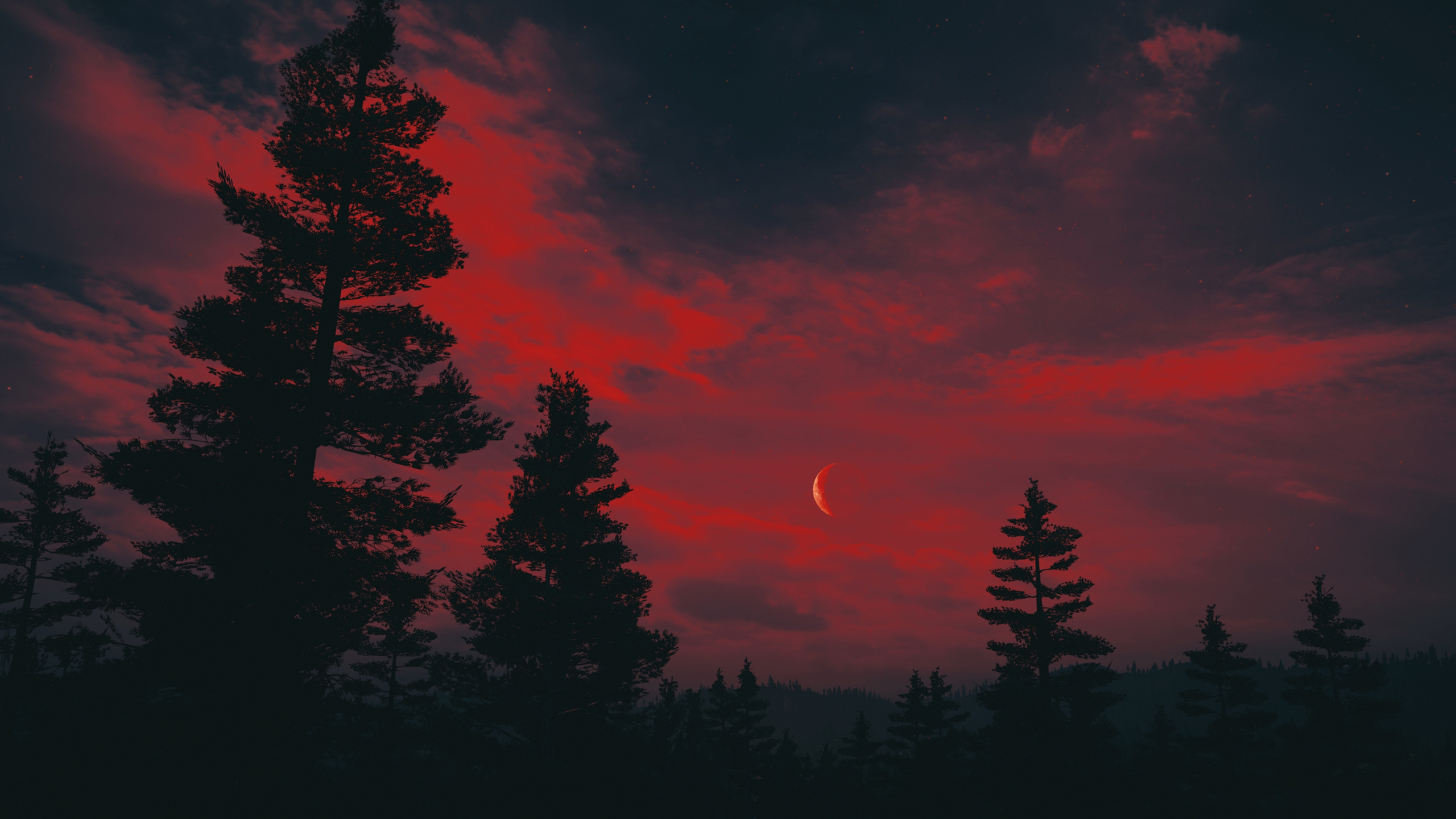
The Sleeping Totoro wallpaper has an 8-second intro. Omarchy plays it once when you log in or switch to the theme, then leaves the still wallpaper in place. Turn intros off with omarchy theme bg intro disable.
In the terminal
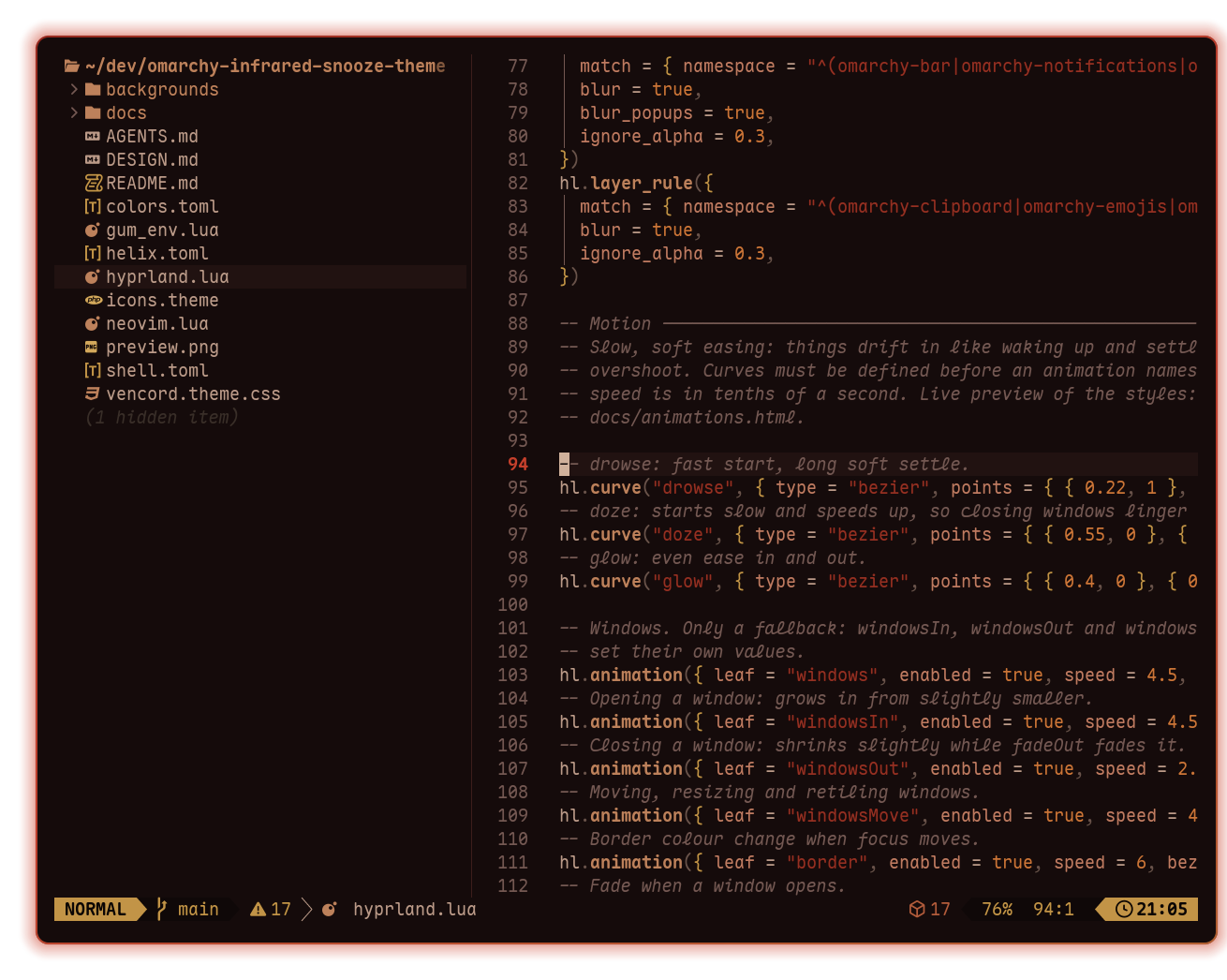 Neovim |
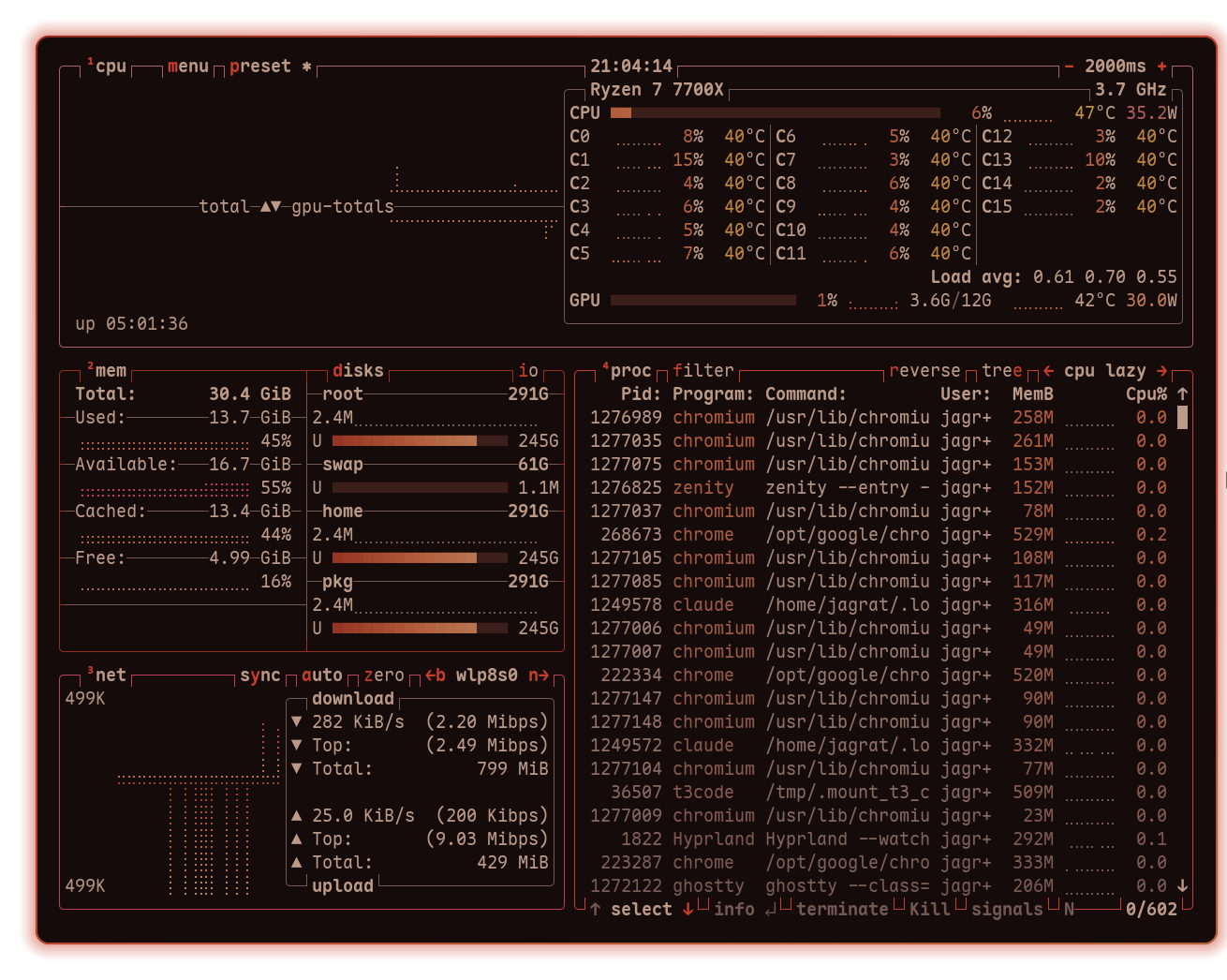 btop |
Vesktop
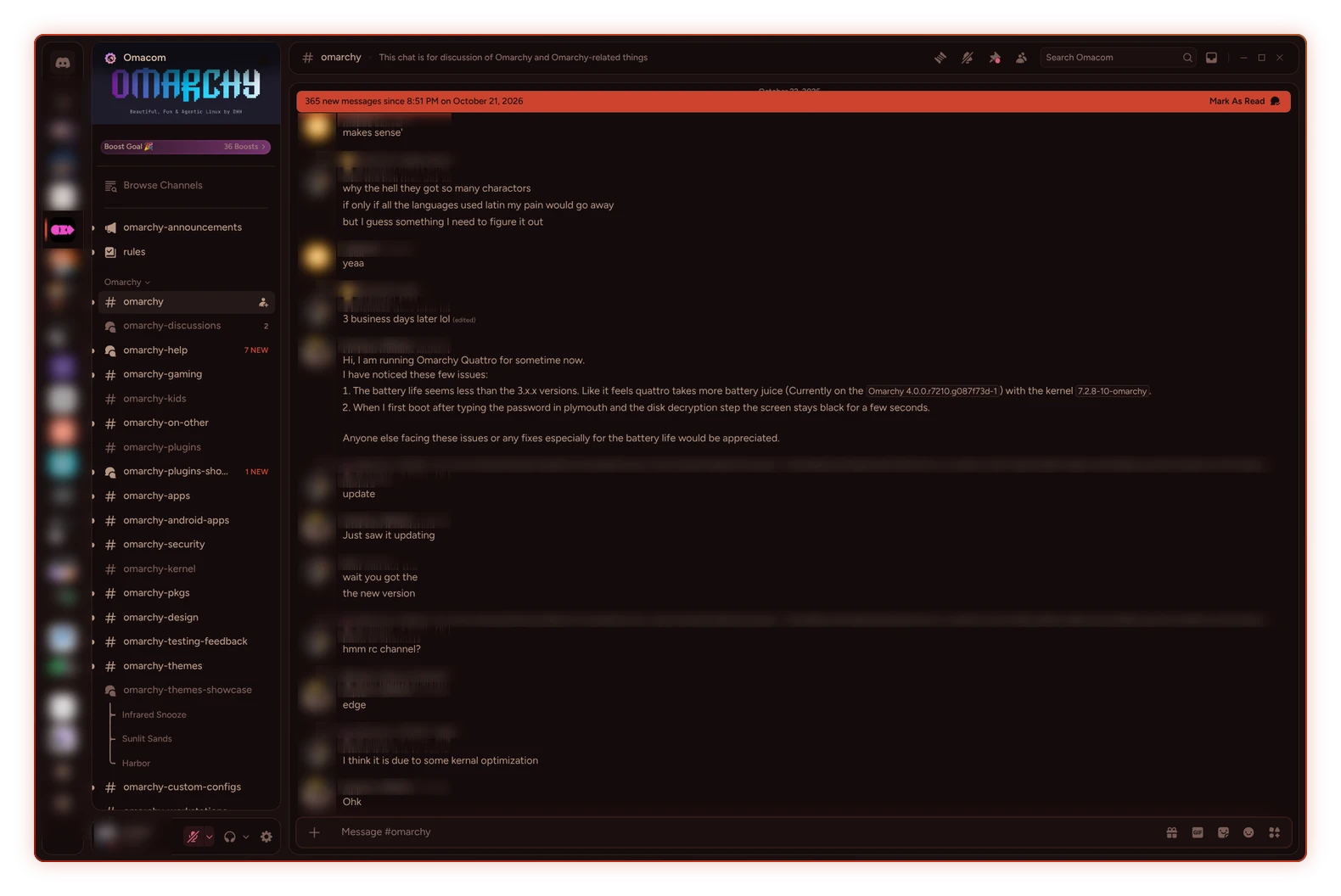
Palette