color palette
background
#0a0000
foreground
#f0e6cc
accent
#865000
cursor
#e6b800
selection background
#3a1a1a
color0
#1a0a0a
color1
#a30000
color2
#cfa700
color3
#e6b800
color4
#865000
color5
#d96b6b
color6
#d9d9d9
color7
#f0e6cc
color8
#3a1a1a
color9
#ff4646
color10
#ffd34d
color11
#ffea80
color12
#b8860b
color13
#ff8080
color14
#f0e6cc
color15
#ffffff
preview
~/kurumi
┌──────────────────────Hardware──────────────────────┐
PC: omarchy-host
│ ├: x86_64 (8 cores) @ 4.00 GHz
│ ├: Integrated Graphics
│ ├: 1920x1080 @ 60 Hz
│ ├: 120 / 500 GiB (24%)
│ ├: 8 / 16 GiB (50%)
└ └ : 0 / 4 GiB (0%)
└────────────────────────────────────────────────────┘
┌──────────────────────Software──────────────────────┐
OS: Omarchy 3.6.0
│ ├: master
│ ├: stable
│ ├: linux-arch
│ ├: Hyprland (Wayland)
│ ├: ghostty
│ ├: 1024 (pacman)
│ ├: Kurumi ●●●●●●●●
└ └: JetBrainsMono Nerd Font (9pt)
└────────────────────────────────────────────────────┘
┌─────────────────Age / Uptime / Update───────────────┐
OS Age: 0 days
Uptime: 2 hours, 13 mins
Update: Today
└────────────────────────────────────────────────────┘
user@omarchy:~ $
readme
Kurumi – Omarchy Theme

Dark red/gold theme for Omarchy and friends. Includes configs for Limine, Plymouth, Waybar, Hyprland, terminals, editors, and desktop components.
- Installer: install.sh
- License: LICENSE
Requirements
- Omarchy CLI (commands: omarchy-theme-set, omarchy-update-available, etc.)
- Limine bootloader (limine-update available)
- Plymouth
- Waybar
- Root privileges for boot/splash installation
Install
- Ensure dependencies above are installed.
cd ~/.config/omarchy/themes && git clone https://github.com/borgox/omarchy-kurumi-theme.git- Run:
sudo bash install.sh- or
chmod +x install.sh && sudo ./install.sh
What the installer does:
- Sets Omarchy theme to “Kurumi” via
omarchy-theme-set. - Configures Limine:
- Copies wallpaper to /boot/EFI/themes/3.png
- Updates keys (branding, palette, wallpaper) in /boot/limine.conf
- Backs up /boot/limine.conf to /boot/limine.conf.bak if missing
- Runs limine-update
- Installs Plymouth theme:
- Copies logo + scripts to /usr/share/plymouth/themes/omarchy
- Creates .bak backups for existing files if missing
- Adjusts Waybar:
- Backs up $HOME/.config/waybar/config.jsonc to …/config.jsonc.bak if missing
- Removes “bluetooth” and “battery” from modules-right
- Uses sudo only where needed and restores root ownership on system files.
Uninstall / Revert
- Limine:
- sudo cp /boot/limine.conf.bak /boot/limine.conf
- sudo limine-update
- Plymouth:
- Revert .bak files in /usr/share/plymouth/themes/omarchy if you want the previous theme (e.g., cp omarchy.script.bak omarchy.script)
- Optionally set your previous default theme:
- sudo plymouth-set-default-theme -R
- Waybar:
- cp ~/.config/waybar/config.jsonc.bak ~/.config/waybar/config.jsonc
- pkill -SIGUSR2 waybar (reload)
Preview
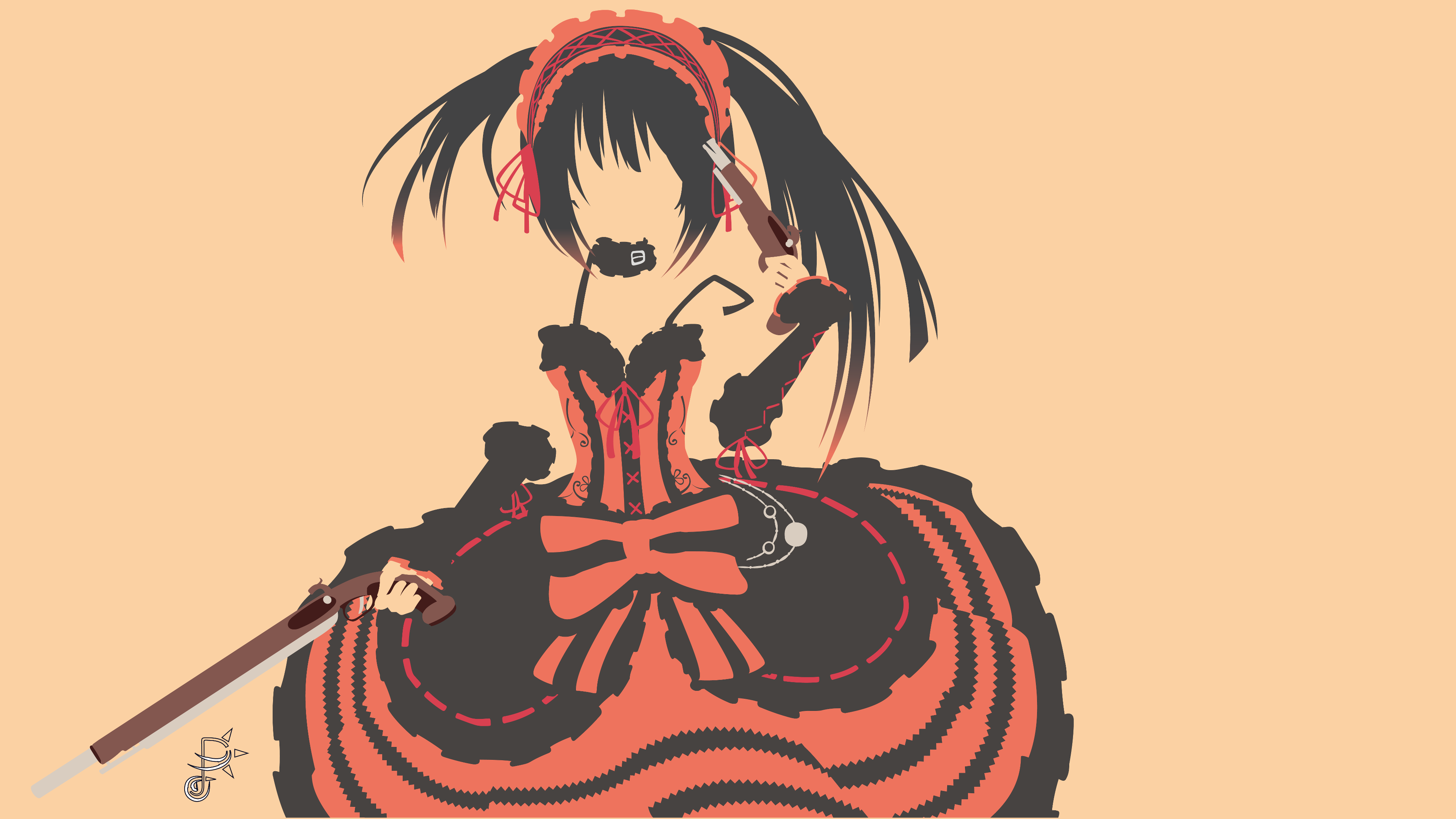
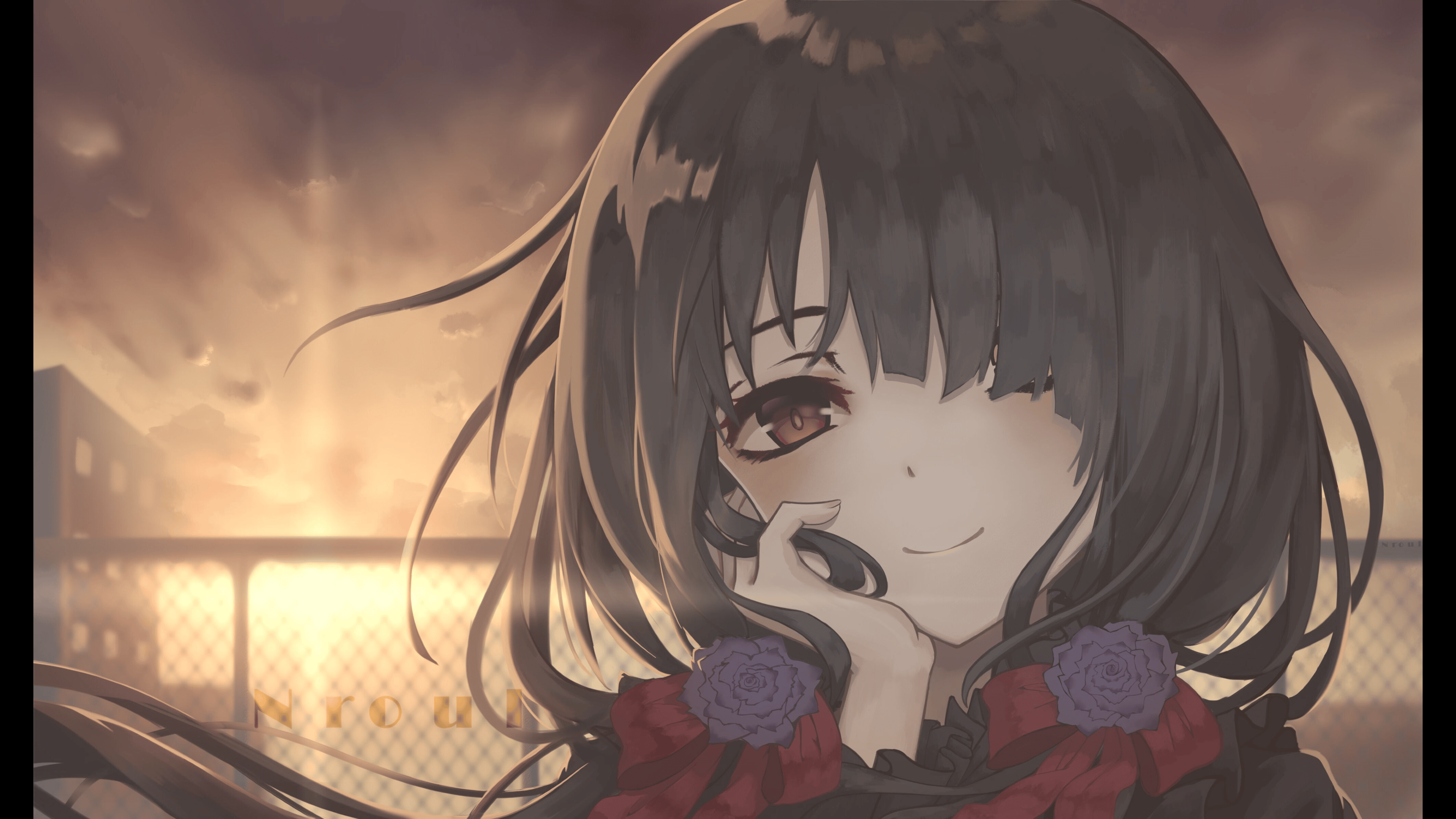
- Bootloader wallpaper: backgrounds/3.png
- Backgrounds:



License
Apache-2.0. See LICENSE.
Disclaimer
Use at your own risk. I am not responsible for any damage or issues that may arise from using this theme or its installer. Always back up important files before running scripts that modify system configurations.g