color palette
background
#0a0a14
foreground
#f793d9
accent
#00a8ff
cursor
#f793d9
color0
#1a0f2e
color1
#ff004d
color2
#00ff88
color3
#ffff00
color4
#00a8ff
color5
#ff6ec7
color6
#00ffff
color7
#ffffff
color8
#4a3d5a
color9
#ff1070
color10
#50ff9f
color11
#fff352
color12
#52b2ff
color13
#ff94d6
color14
#7df9ff
color15
#f8f8f2
preview
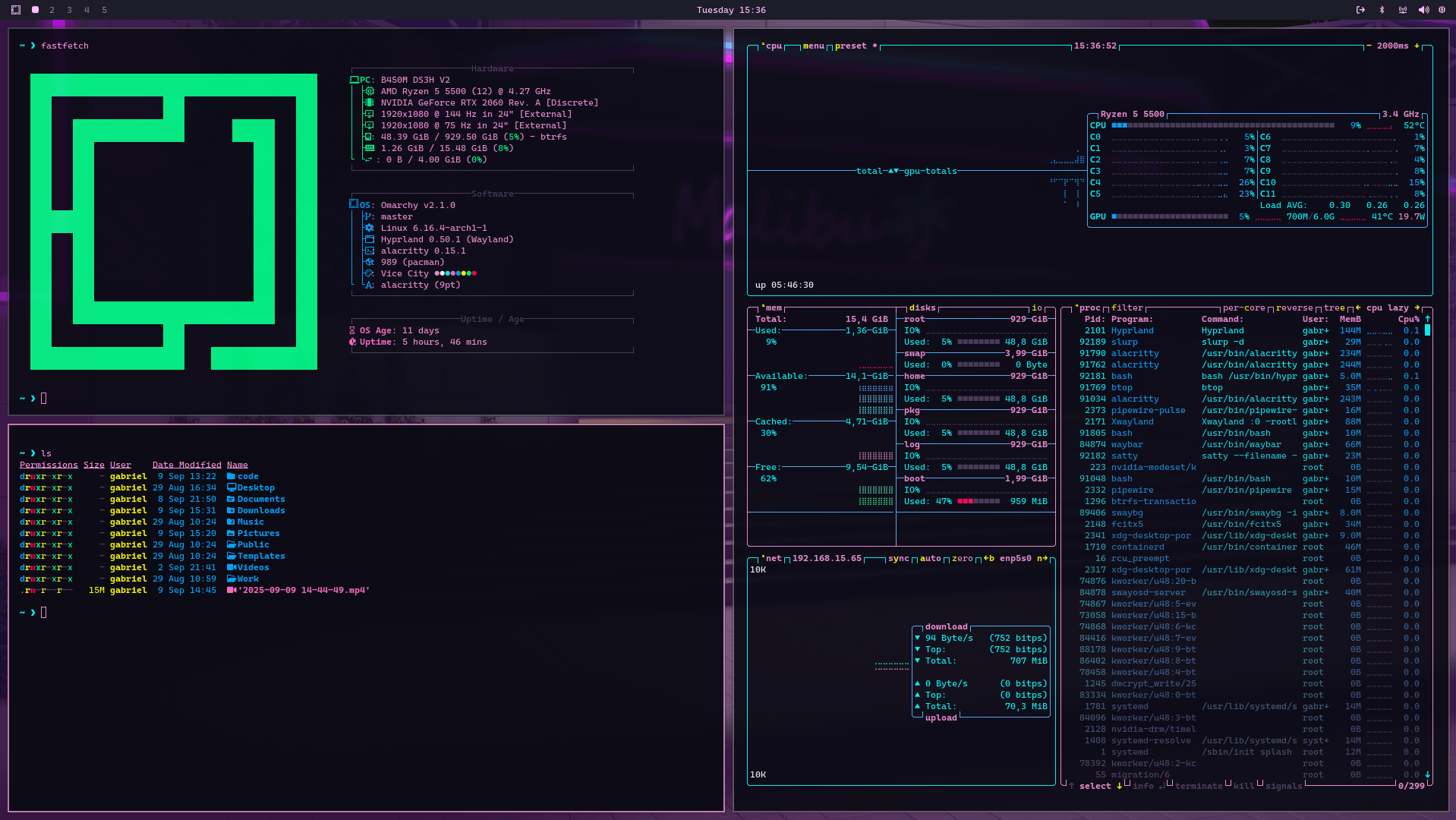
~/vice-city
┌──────────────────────Hardware──────────────────────┐
PC: omarchy-host
│ ├: x86_64 (8 cores) @ 4.00 GHz
│ ├: Integrated Graphics
│ ├: 1920x1080 @ 60 Hz
│ ├: 120 / 500 GiB (24%)
│ ├: 8 / 16 GiB (50%)
└ └ : 0 / 4 GiB (0%)
└────────────────────────────────────────────────────┘
┌──────────────────────Software──────────────────────┐
OS: Omarchy 3.6.0
│ ├: master
│ ├: stable
│ ├: linux-arch
│ ├: Hyprland (Wayland)
│ ├: ghostty
│ ├: 1024 (pacman)
│ ├: Vice City ●●●●●●●●
└ └: JetBrainsMono Nerd Font (9pt)
└────────────────────────────────────────────────────┘
┌─────────────────Age / Uptime / Update───────────────┐
OS Age: 0 days
Uptime: 2 hours, 13 mins
Update: Today
└────────────────────────────────────────────────────┘
user@omarchy:~ $
readme
Vice City - Theme for Omarchy
To install:
- Copy
https://github.com/lavarinimoreira/omarchy-vice-city-theme - Click
SUPER + ALT + SPACE - Click
Install - Click
Style - Click
Theme - Paste the link and hit enter to submit
2nd way to install
omarchy-theme-install https://github.com/lavarinimoreira/omarchy-vice-city-themePreview